QuickBooks for Mac 2014 User’s Guide 76
• Show different columns or hide columns you don't need. Right-click (or Control+click) on the column headers,
then select the columns you want to see and unselect the ones you want to hide.
• Select multiple names in one of these ways:
o Shift-click to select a range of names. Select the first name you want, hold down the Shift key, and then
select the last name in the range.
o Command-click to select a group of nonadjacent names. Select a name, hold down the Command key ( ),
and then select each additional name.
o Command-A to select all names. No need to click; just press Command-A to select the entire list.
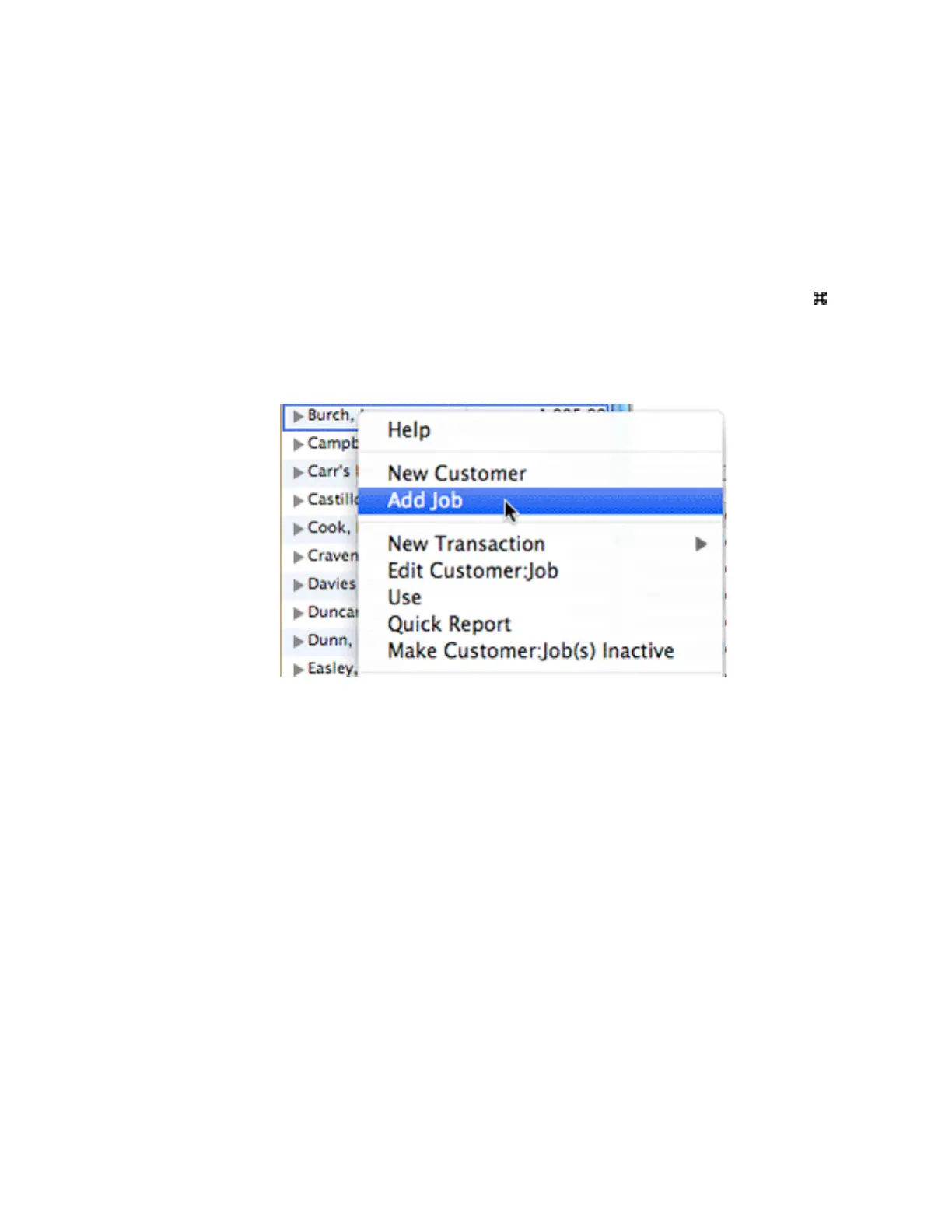
• Control-click a name in the left pane to access a shortcut menu to common tasks.
• Change the order of names in the Customer:Jobs list by dragging and dropping a name to where you want
it to appear. You can turn this feature on and off on the shortcut menu by selecting Enable Custom Order-
ing.
!



 To Next Page