Safari is the best way to surf the web
on your Mac. Just click in the Smart
Search eld and see icons for your
favorite websites, or type a search
term or web address—Safari knows
the dierence and will send you to
the right place. You can save
Safari
webpages to your Reading List to
read later, and pin the websites you
visit often, so they are open, up to
date, and easy to access. The Tab
view organizes all of your tabs and
makes it easy to locate the one
you’re looking for.
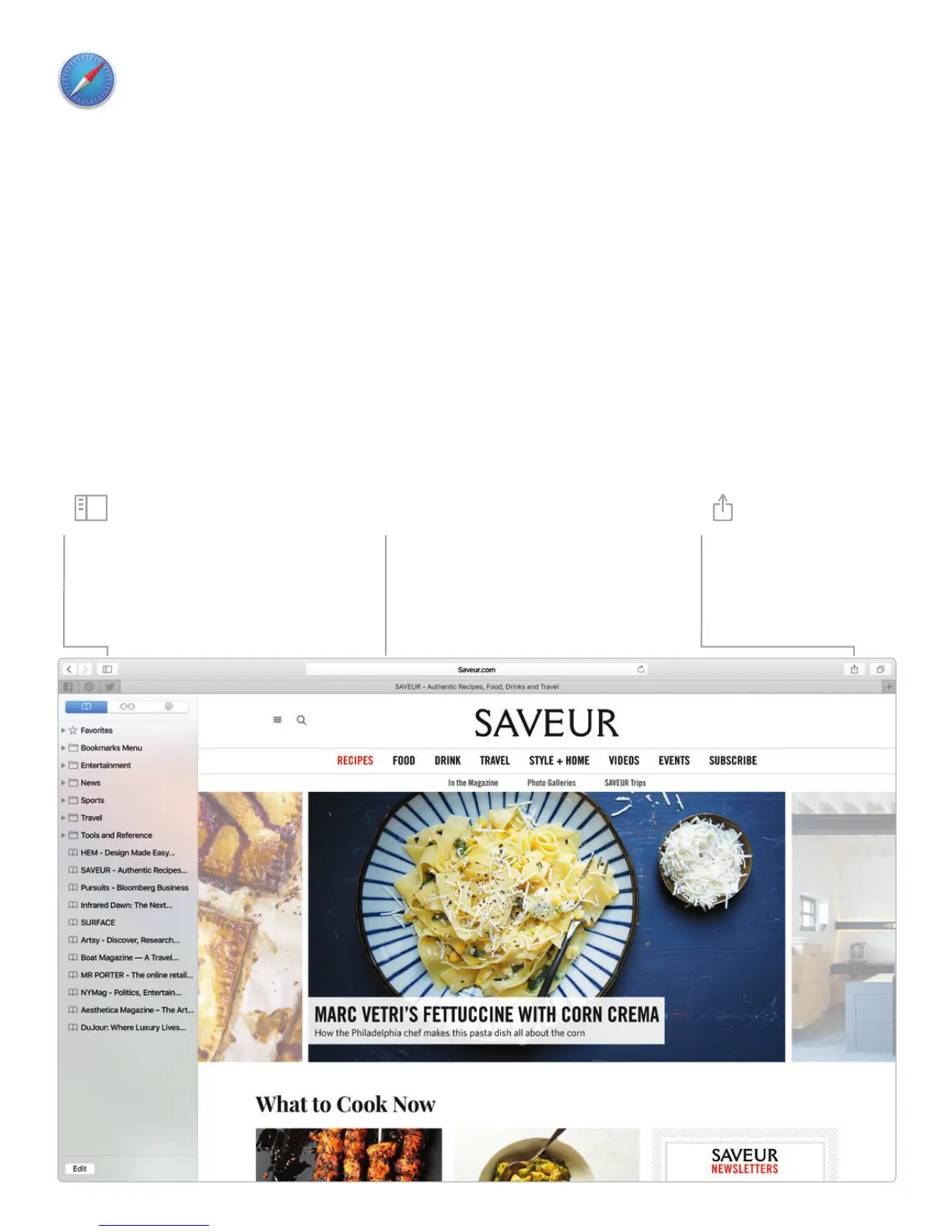
Favorites view
Click the Smart Search
eld to see icons for
your favorite websites.
Share
Easily send webpages
or share them with
your social networks.
Sidebar
Your bookmarks, Reading
List, and Shared Links
appear in the Sidebar.



 To Next Page