Spotlight
Spotlight is an easy way to nd
anything on your Mac—documents,
contacts, apps, messages, and more.
No matter what you’re doing on
your Mac, you can access Spotlight
through its menu icon or by using
the Command-Space keyboard
shortcut. Just start typing, and
Spotlight shows you rich previews
of your results. You can use
Spotlight to look up information
from sources like Wikipedia, Bing,
Maps, movies, weather, stocks,
sports, and more,* and to convert
currencies and units of measure.
*Not all features are available in all areas.
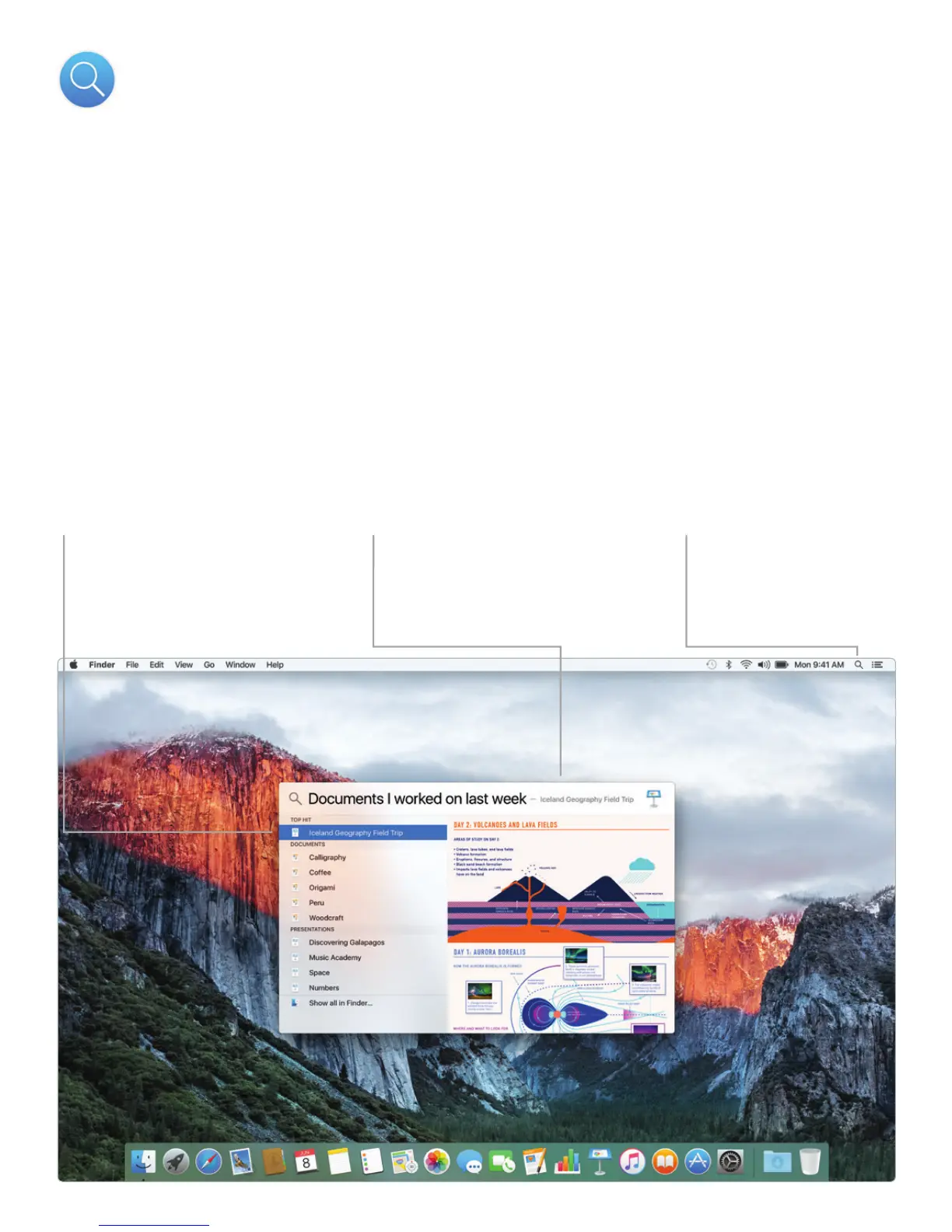
Previews
Interact with previews
right from Spotlight.
Results
See Spotlight results
on the left and scroll
through them.
Easy access
Click the Spotlight icon
in the menu bar or
press Command-Space.



 To Next Page