Mac mini (Late 2009) Symptom Charts — Mass Storage 56
2009-11-03
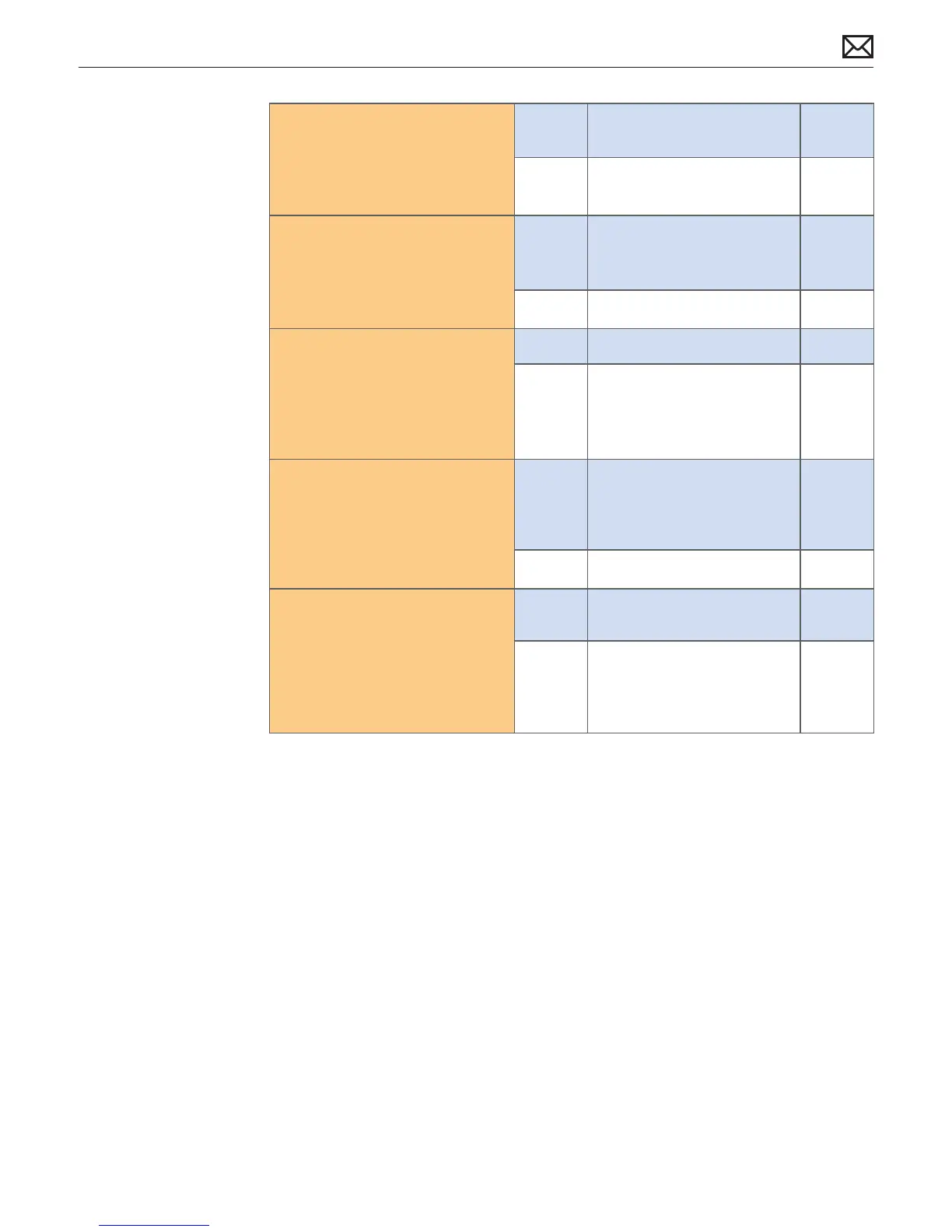
Connect known good optical 3.
drive to interconnect board.
Verify that known good optical
drive is listed in the System
Proler device tree.
Yes Go to step 4.
No Suspect interconnect board.
Go to step 7
With known good optical drive 4.
installed, test for media inject/
eject. Verify drive accepts and
ejects known good media.
Yes Known good optical drive
resolved inject/eject issue.
Replace optical drive.
J03
(J06)
No Go to step 7
Inspect optical drive slot during 5.
disc insert/ eject. Verify that
discs can be inserted easily.
Yes Go to step 6
No Replace damaged optical
drive..
J03
(J06)
With known good optical 6.
media (Install disc), test for
media inject/eject. Does drive
accept and eject known good
media?
Yes Media issue. No repair
necessary. Suggest user
investigate use of dierent
media.
No Go to step 3
Replace interconnect board 7.
with known good optical
media (Install disc), test for
media inject/eject. Does drive
accept and eject known good
media?
Yes Issue resolved. Interconnect
board damaged
X03
No Interconnect board veried
or replaced, and optical drive
veried or replaced. Replace
logic board and retest.
M19



 To Next Page