124 - Mac mini Take Apart
Speaker
Replacement Procedure
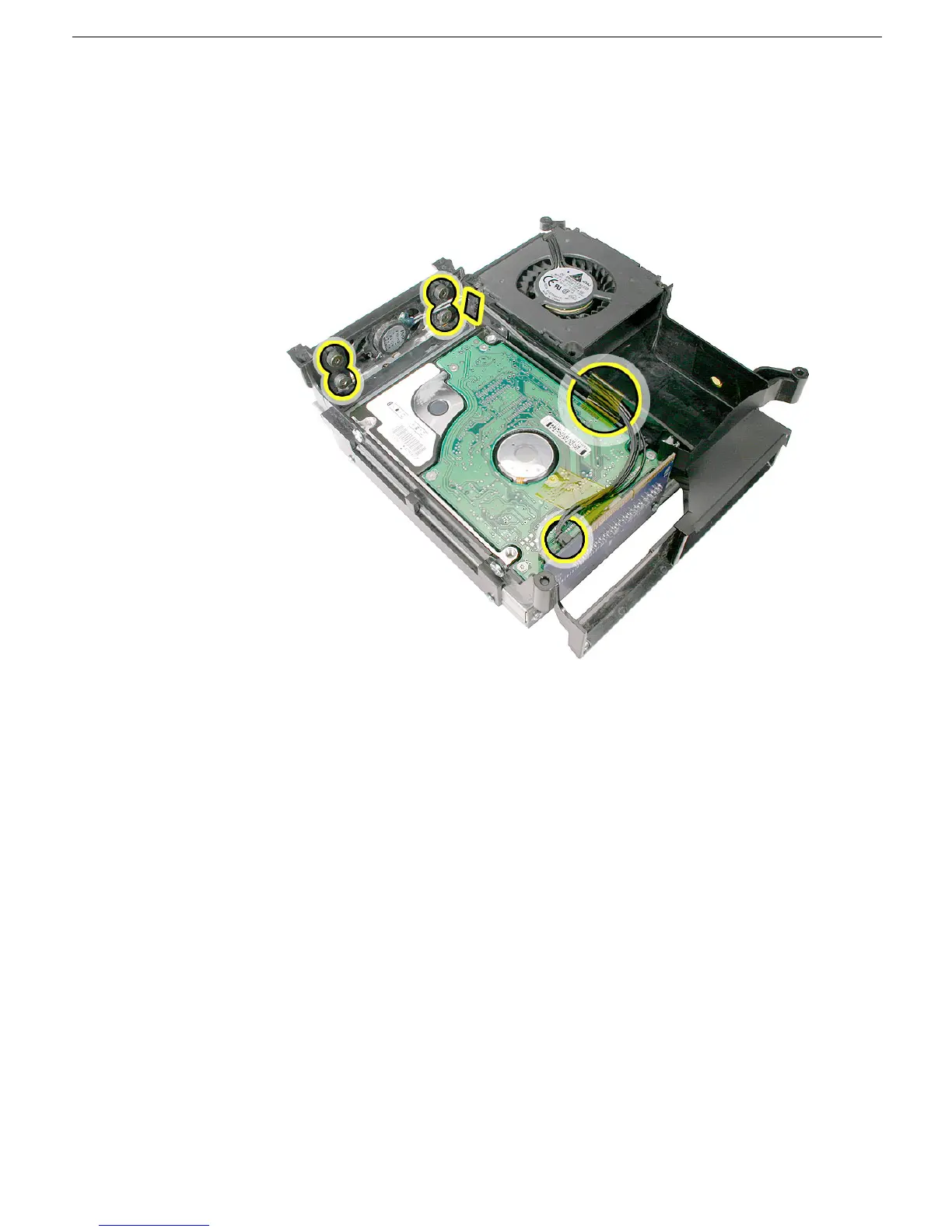
1. Position the speaker into the internal frame. Replace the four screws, secure the cable
under the cable clip, replace the kapton tape, and connect the speaker cable to the
interconnect board.
2. Replace the internal frame.
3. Replace the top housing.



 To Next Page