6 - Mac mini Troubleshooting
General Information
Compatible Apple Displays
The Mac mini has a DVI-I port on the back of the computer that allows you to connect any
display that uses a DVI interface.
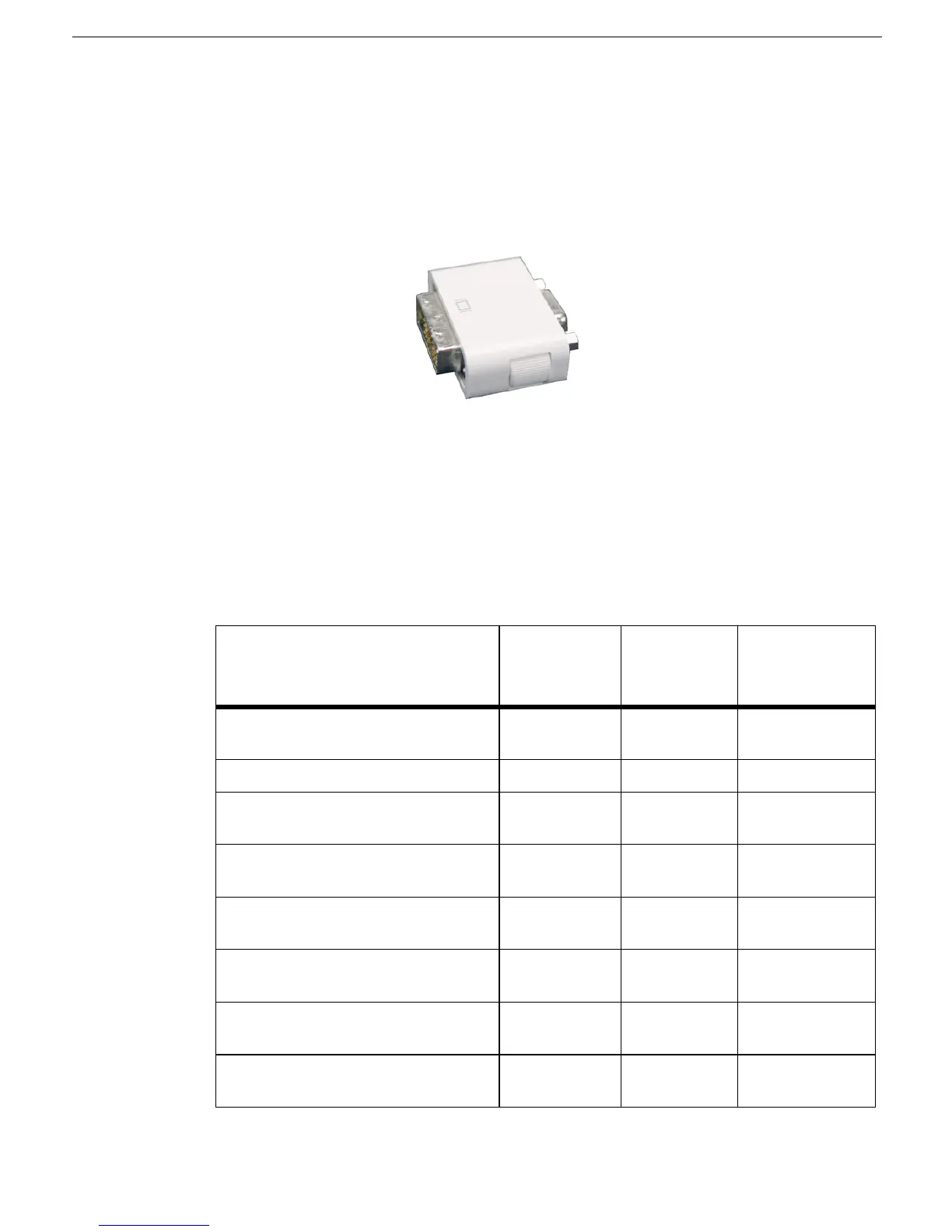
In addition, the Mac mini comes with a DVI to VGA adapter (shown below), if you prefer to
connect a VGA monitor to your Mac mini.
If you connect a DVI monitor to the Mac mini, it can display digital resolutions up to 1920 x
1200 pixels, depending on your monitor. If you use the included DVI to VGA adapter, the
display port supports analog resolutions up to 1920 x 1080 pixels, depending on your
monitor.
The following Apple displays can be used with a Mac mini:
Table 1: Compatible Displays
Display Name Marketing
Part Number
Display
Connector
Type
Compatible?
Apple Cinema HD Display (23-inch
DVI)
M9178LL/A DVI Compatible
Apple Cinema Display (20-inch DVI) M9177LL/A DVI Compatible
Apple Cinema HD Display (23-inch flat
panel)
M8537LL/A ADC Use DVI to ADC
adapter
Apple Cinema Display (20-inch flat
panel)
M8893LL/A ADC Use DVI to ADC
adapter
Apple Cinema Display (22-inch ADC) M8058LL/A ADC Use DVI to ADC
adapter
Apple Studio Display 21 M6204LL/A VGA Use included DVI
to VGA adapter
Apple Studio Display 17 (ADC) M7649LL/A ADC Use DVI to ADC
adapter
Apple Studio Display 17 M6221LL/A VGA Use included DVI
to VGA adapter



 To Next Page