22 - Mac mini Troubleshooting
Symptom Charts
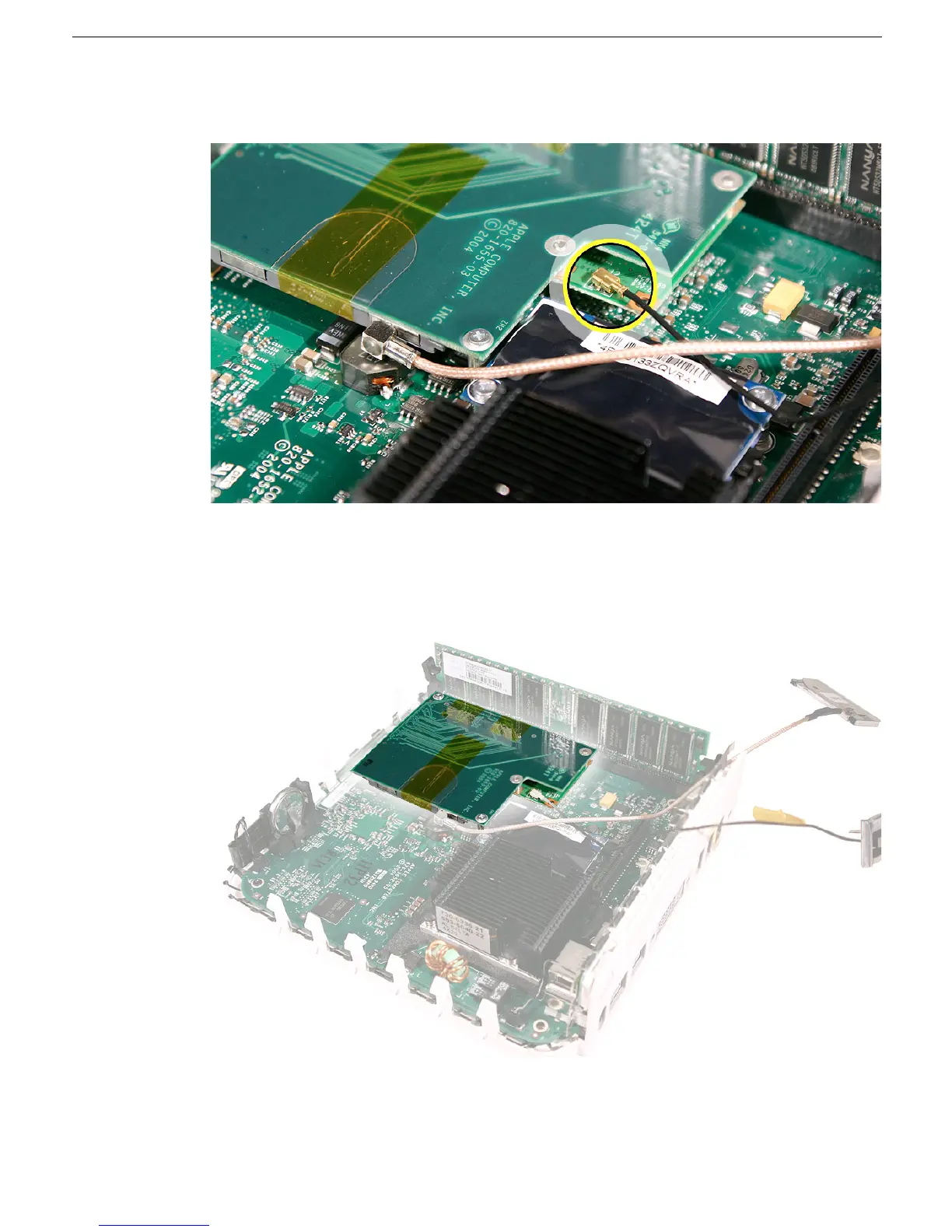
2. On the older model, check that the Bluetooth antenna is securely connected to the
Bluetooth board.
3. Make sure that the mezzanine board is properly seated on the logic board.
4. Reassemble the computer and test. If the Bluetooth board is still not recognized, test
with a known good Bluetooth board. If the known good board is recognized, replace
the Bluetooth board or the AirPort/Bluetooth combo card on the new Mac mini.



 To Next Page