30 - Power Mac G5 Upgrades
AirPort Extreme/Bluetooth Card for Mac mini (Late
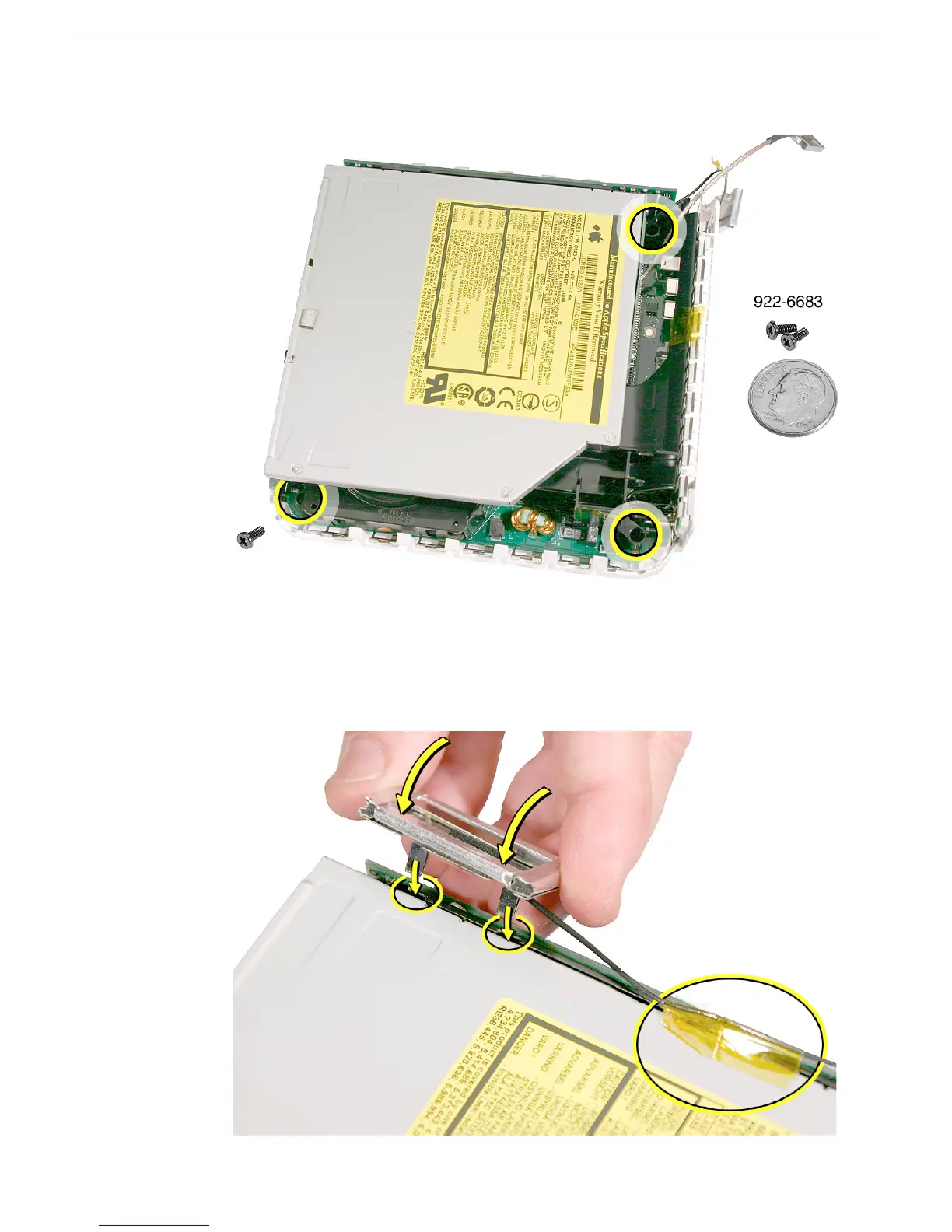
15. Replace the three screws on the internal frame.
16. Replace the Bluetooth antenna. Secure the antenna cable with kapton tape.
Important: Take care handling the Bluetooth antenna as a bent or warped antenna
will affect Bluetooth connectivity.



 To Next Page