40 - Mac mini Take Apart
Bluetooth Antenna and Bluetooth Board
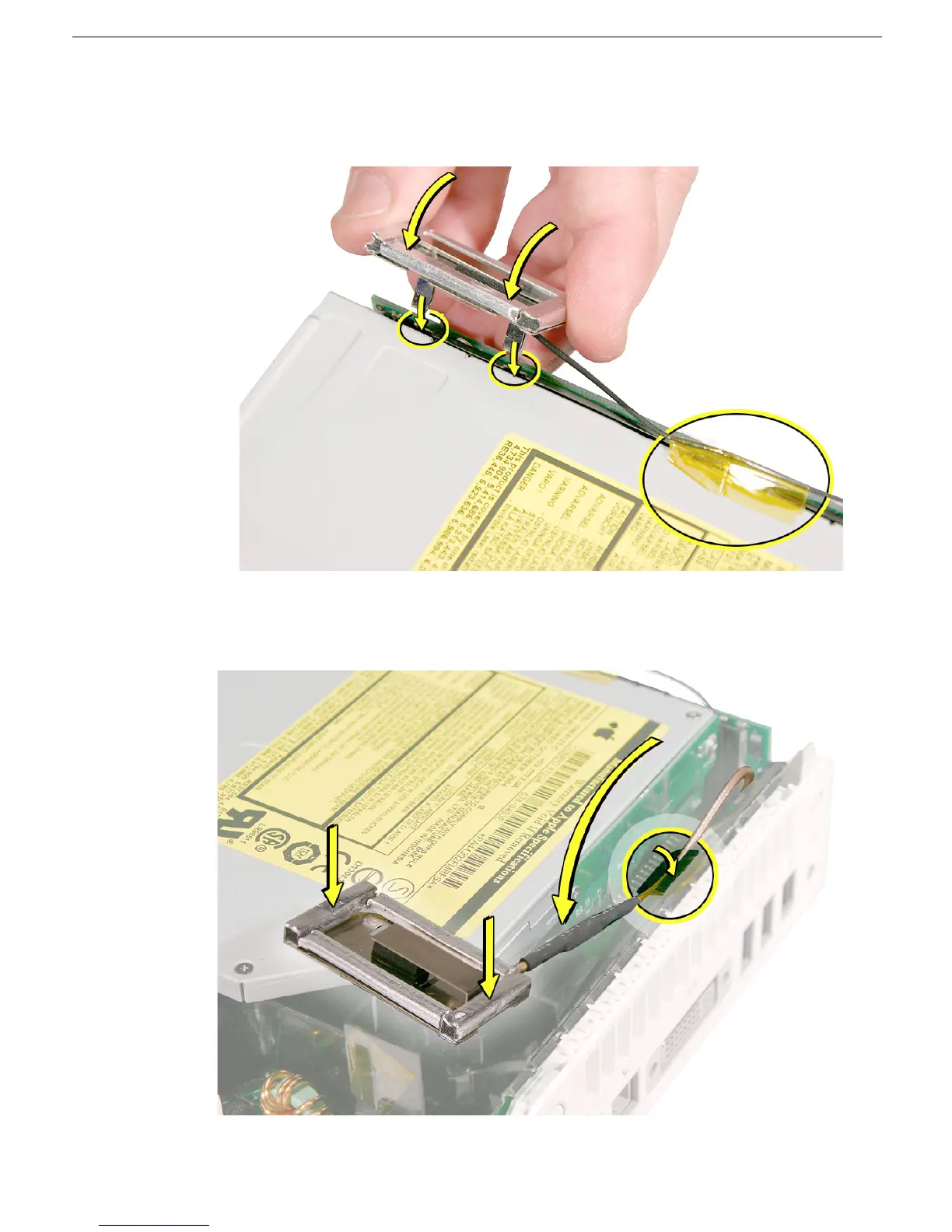
9. Replace the Bluetooth antenna and secure the antenna cable with kapton tape.
Important: Take care handling the Bluetooth antenna as a bent or warped antenna
will affect Bluetooth connectivity.
10. Replace the AirPort Extreme antenna and secure the cable with kapton tape.
Important: Take care handling the AirPort antenna as a bent or warped antenna will
affect AirPort connectivity



 To Next Page