56 - Mac mini Take Apart
Antennas, Mezzanine Board, AirPort Extreme/Bluetooth Card
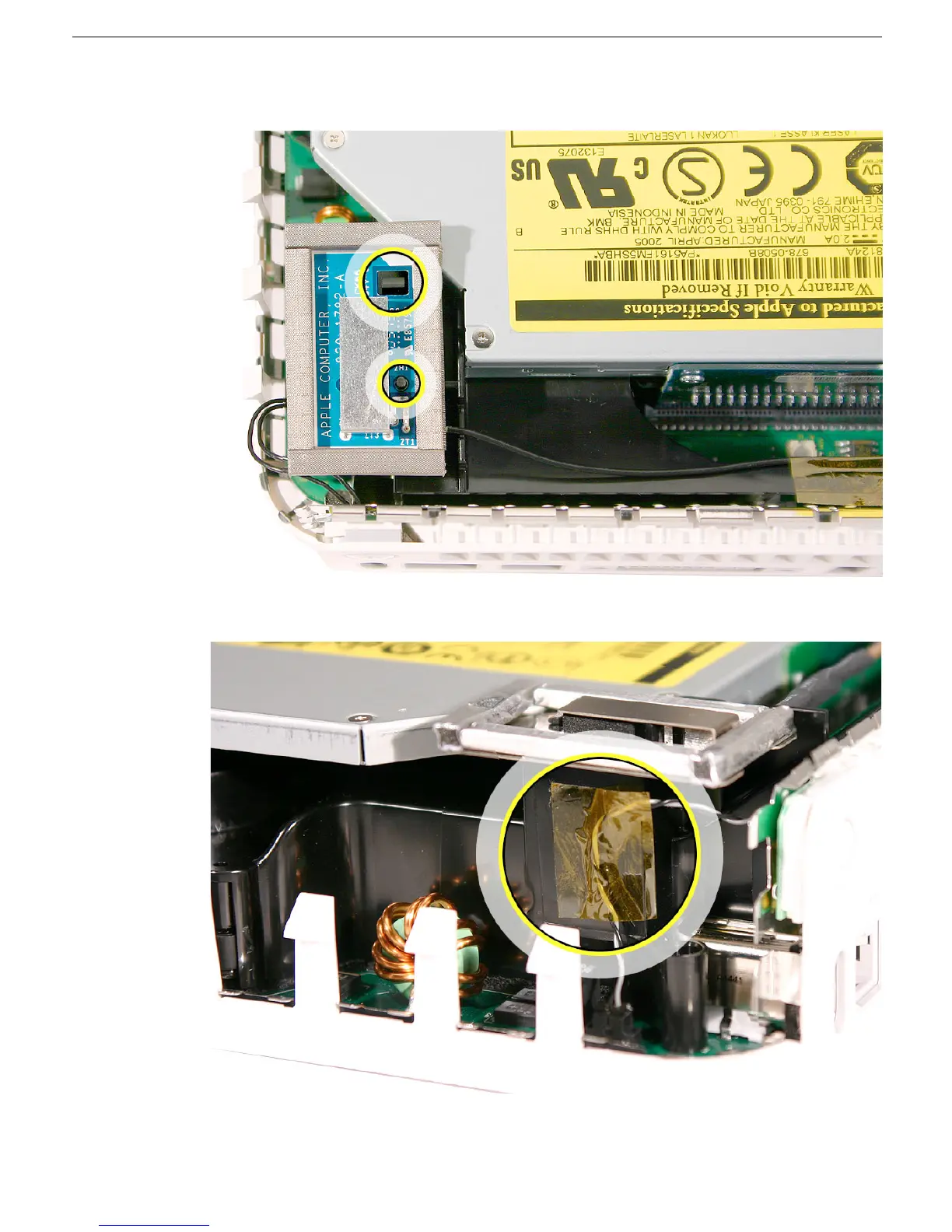
11. Gently fasten the antenna onto the internal frame. The antenna is held in place by the
black clip and black post (shown below).
12. Secure the power button cable to the internal frame with the kapton tape.
13. Replace the top housing.



 To Next Page