6 -
Mac mini Take Apart
Top Housing
Removal Procedure
Caution:
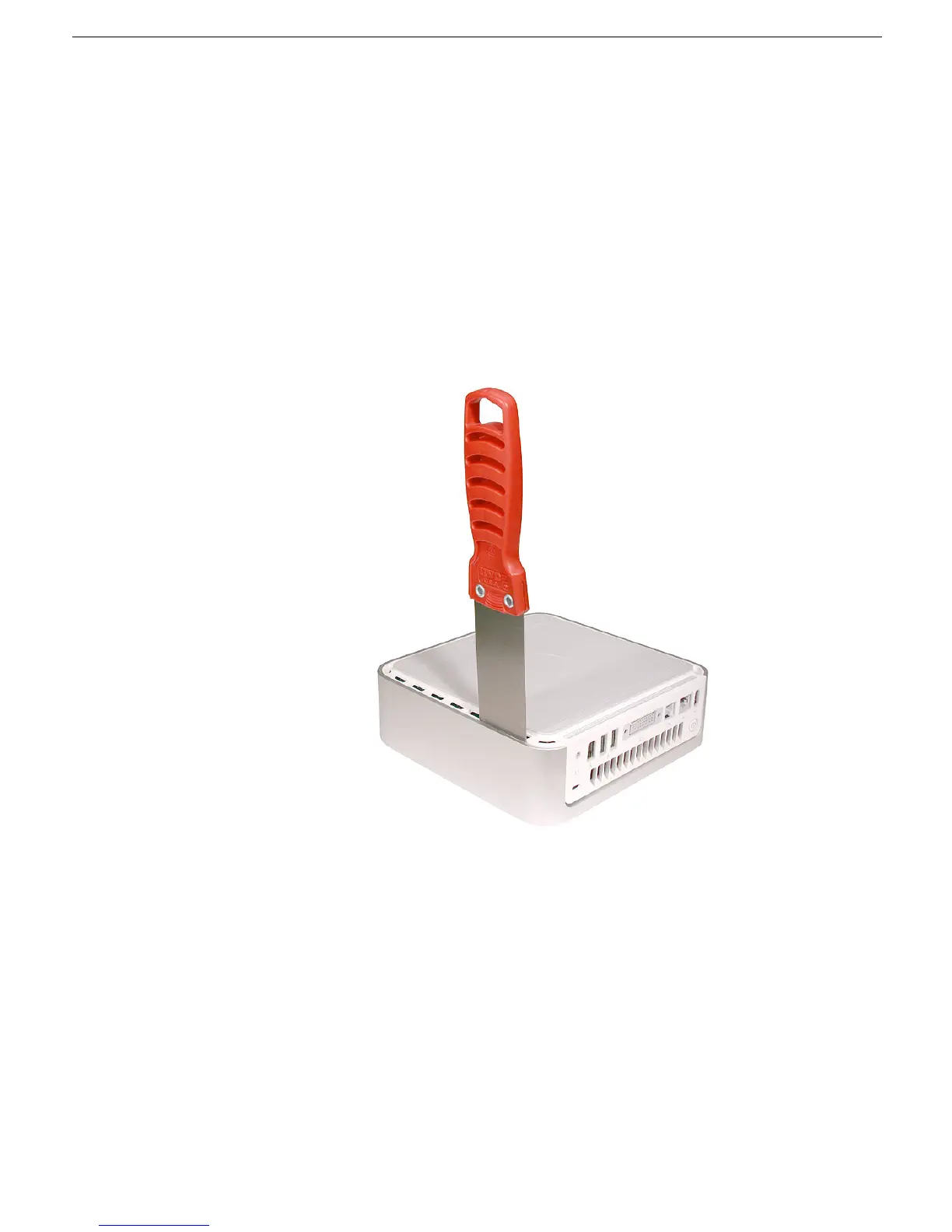
To avoid scratching the case, use caution when using the putty knife.
1. Place the computer on a clean, flat surface.
2. Turn the computer over so the ports are facing you and the bottom of the computer
(gray color) is facing up.
3. Hold the putty knife with the beveled edge facing the bottom housing. Insert the tool
into the gap where the metal housing and the bottom assembly come together on the
left side of the computer.
Important:
Be extremely careful not to scratch or dent the
top or bottom housing when inserting the tool



 To Next Page