Mac Pro (Early 2008) Take Apart — Logic Board 108
Replacement Note: If you are replacing the logic board with a new logic board, do the following:
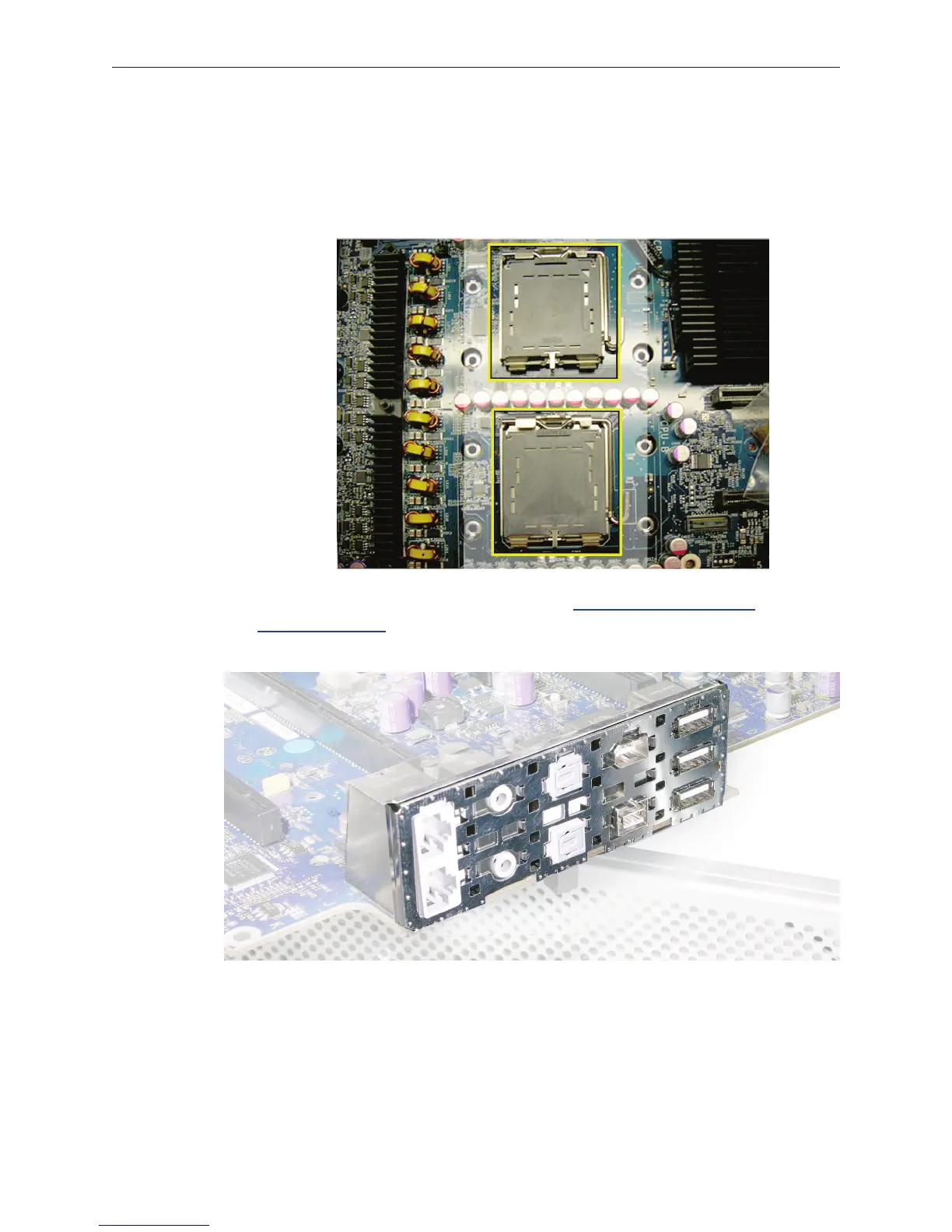
Remove the protective caps from the new logic board’s processor holders and transfer the •
caps on the original logic board’s processor holders. Note that logic boards returned to
Apple without the protective caps may be rejected.
Warning: Be careful not to touch the gold pins in the processor socket on the logic board.
Transfer the processors to the new board: Refer to “• Processors, 2.8 and 3.0 GHz” and
“Processors, 3.2 GHz” in the Take Apart chapter.
You must also transfer the back ports EMI shield to the new board.•


 To Next Page
 Loading...


