Mac Pro (Early 2008) Take Apart — Optical Drive Carrier and Optical Drives 19
Optical Drive Carrier and
Optical Drives
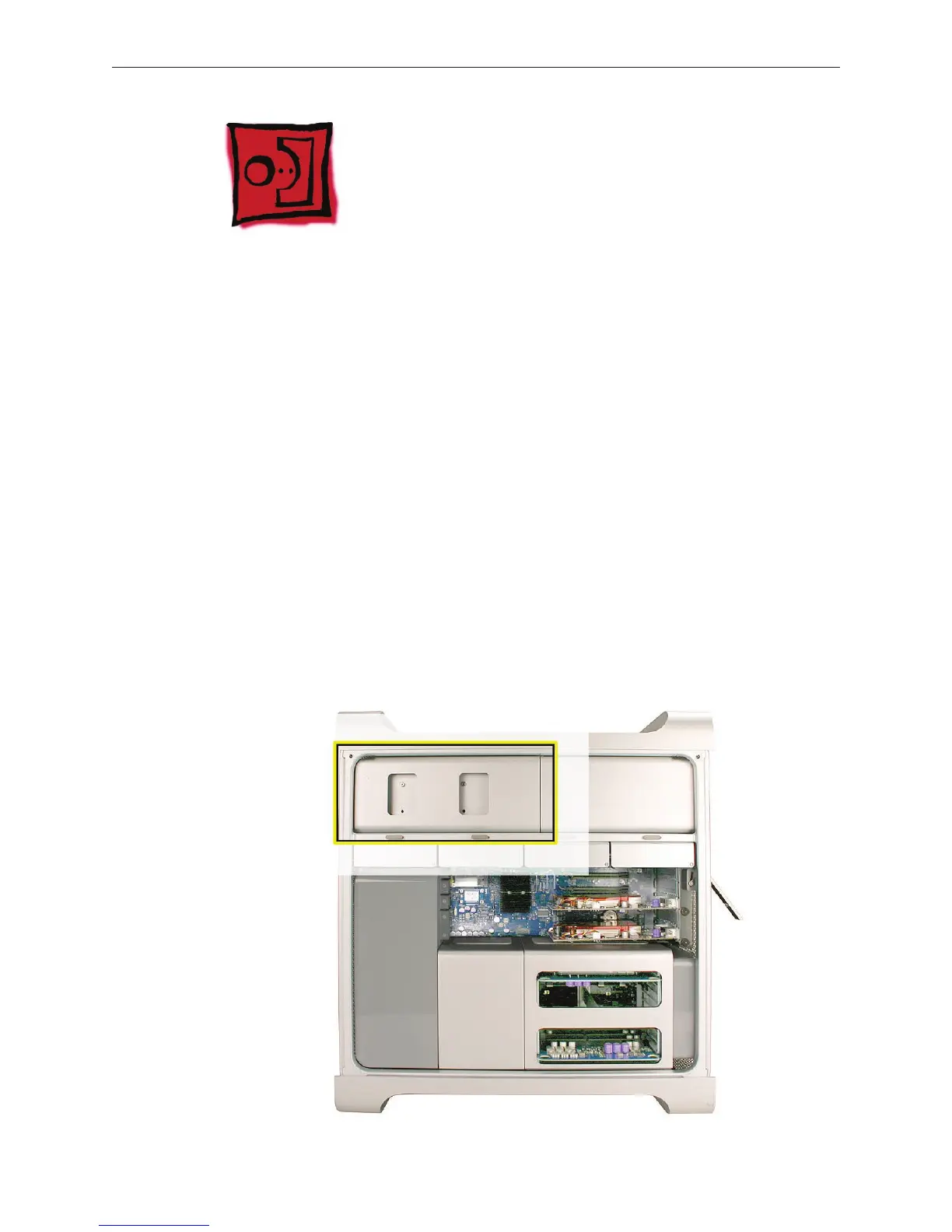
The Mac Pro (Early 2008) computer can accommodate two optical drives in the optical drive bay.
If the computer has only one optical drive, it is installed in the top position.
Note: To eject the drives, use the following:
Top drive: Press the Eject key.•
Bottom drive: Press the Option and Eject keys.•
Tools
The only tool required for this procedure is a Phillips #1 screwdriver.
Preliminary Steps
Before you begin, open the computer, and lay it on its side with the access side facing up.
Important: Make sure the latch on the back panel is in the up position. When the latch is down,
the optical drives and carrier are locked in place and you will not be able to remove them.
Part Location



 To Next Page