Mac Pro (Early 2008) Take Apart — PCI Express/Graphics Card 27
PCI Express/Graphics Card
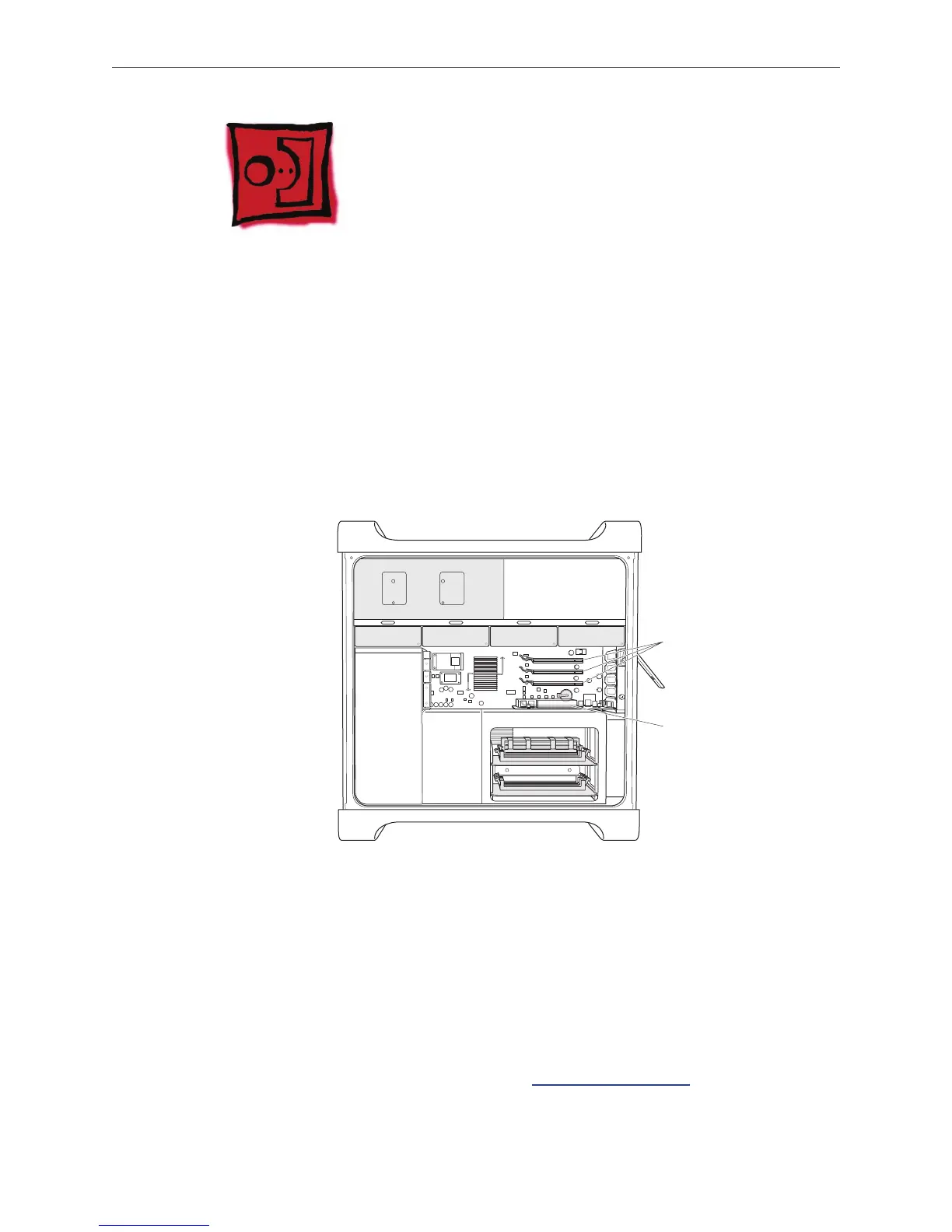
The Mac Pro (Early 2008) logic board includes one double-wide PCI Express graphics slot and
three PCI Express expansion slots, for a total of four slots. The computer comes with a graphics
card installed in slot 1. You can install additional PCI Express graphics and expansion cards in the
remaining three PCI Express expansion slots.
Important: Graphics cards from previous Power Mac G5 models are not compatible with Mac
Pro (Early 2008) models. In addition, Mac Pro (Early 2008) graphics cards are not compatible with
previous models.
Important: Combined maximum power consumption for all four PCI Express slots must not
exceed 300 W.
Slot 1: Double-wide
PCI Express graphics
(graphics card installed)
Slots 2–4: PCI Express
Tools
The only tool required for this procedure is a Phillips #1 screwdriver.
Preliminary Steps
Before you begin, open the computer, and lay it on its side with the access side facing up.
Note: You may also nd it helpful to remove the hard drives and carriers and any adjacent PCI
Express cards before beginning this procedure.



 To Next Page