Mac Pro (Early 2008) Take Apart — Power Supply Fan 39
Replacing the Power Supply Fan
Place the power supply fan in the media shelf and thread the fan’s cable through the 1.
opening in the shelf.
Connect the cable to the logic board.2.
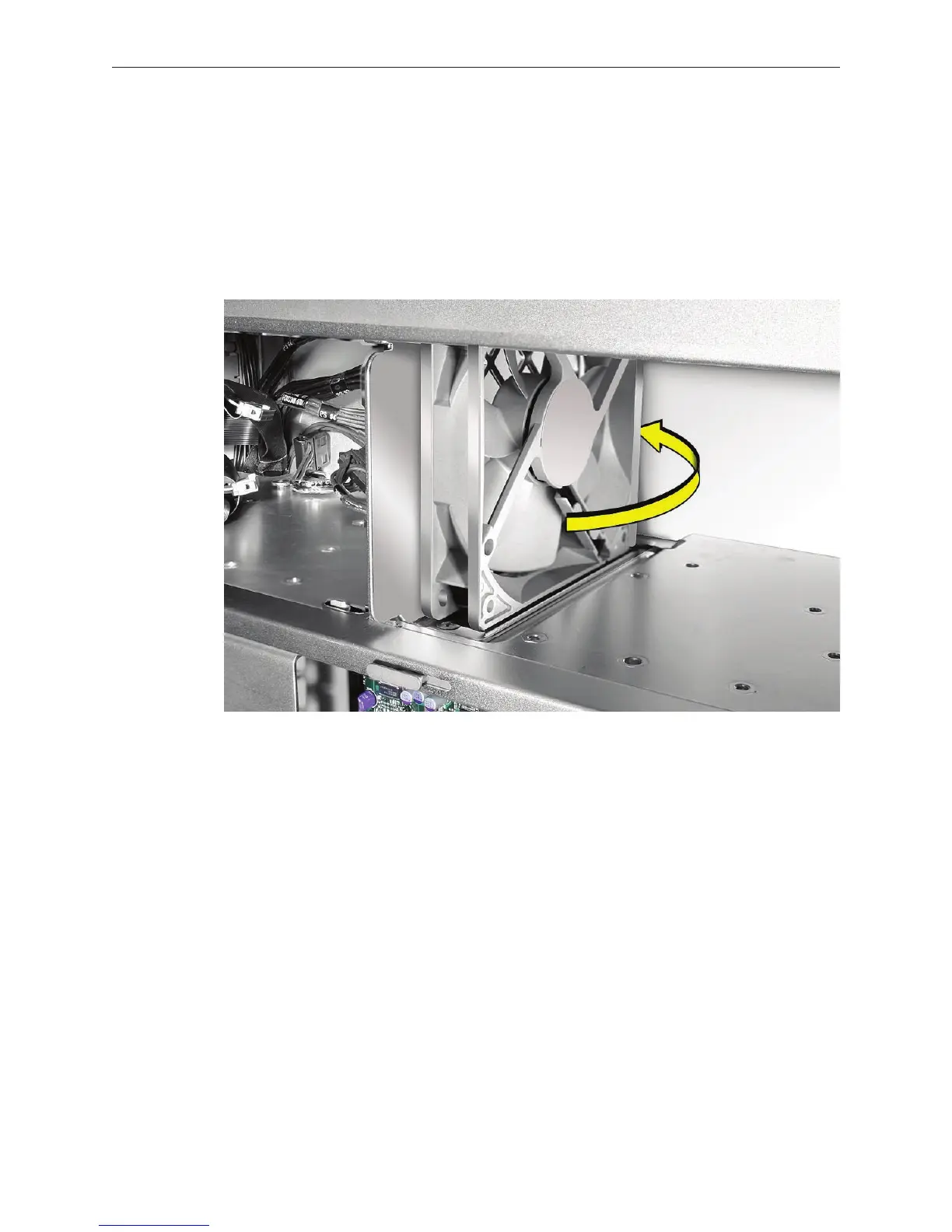
Rotate the fan into place ush against the media shelf divider. Make sure the back of the fan 3.
faces the divider, as illustrated.



 To Next Page