Mac Pro (Early 2008) Take Apart — Processor Heatsinks for 2.8 and 3.0 GHz Processors 75
Replacement Procedure
Preparing an Existing Heatsink for Re-installation
If you are reinstalling an existing processor heatsink, complete steps 1–4 below for applying new
thermal grease to the underside of the heatsink. If you are installing a new heatsink, do not apply
thermal grease and skip to the next section, “Preparing a New Heatsink for Installation.”
Using the alcohol pad included with the logic board or processor replacement part, clean o 1.
any used thermal grease from the processor and the bottom of the heatsink.
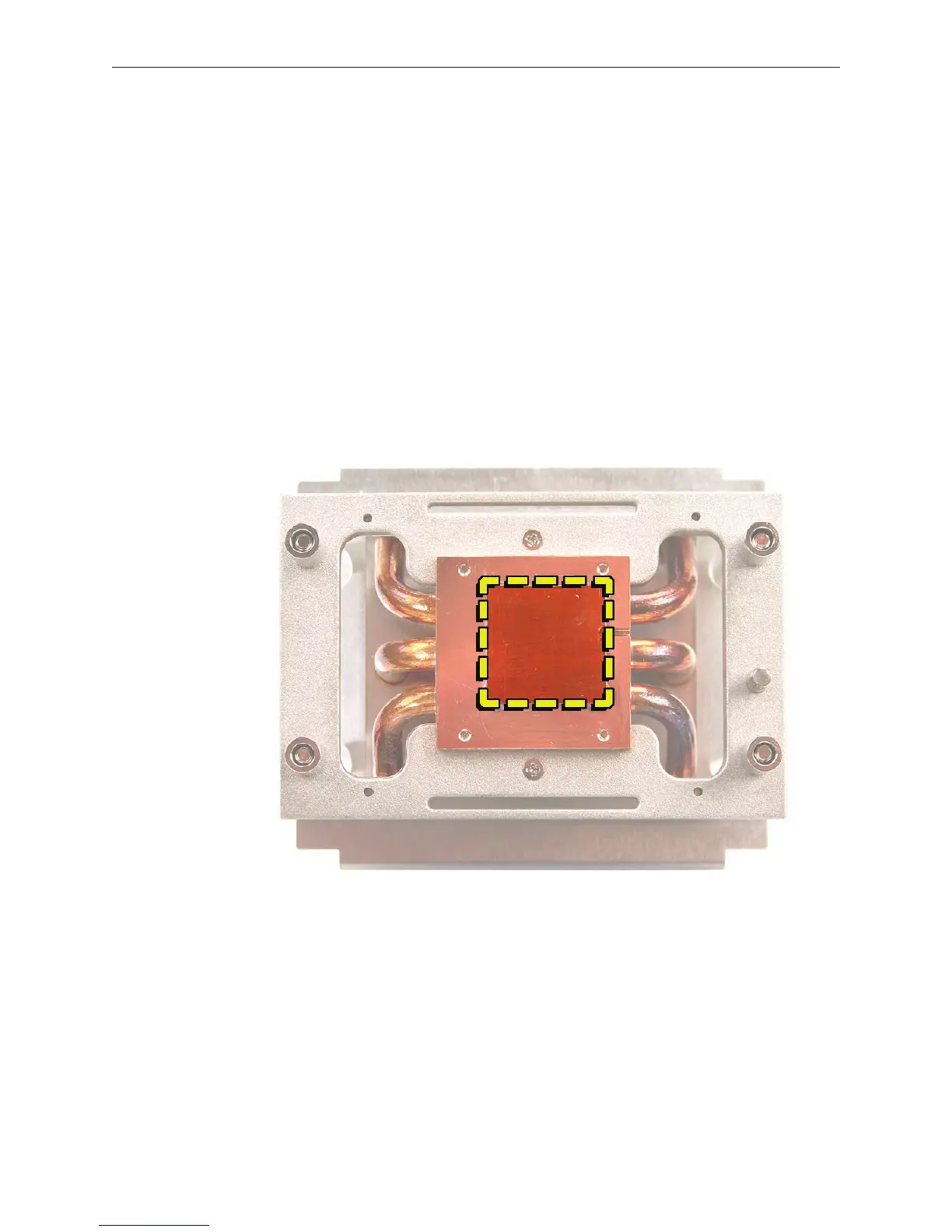
Using the thermal grease included with the logic board or processor replacement part, apply 2.
one dot of fresh grease to the raised square area on the bottom of the heatsink.
Spread the grease evenly across the square to a thickness of approximately 1 mm. 3.
Warning: Do not apply more grease than recommended. The grease must not overow the
heatsink and come in contact with the processor connector.


 To Next Page
 Loading...


