Mac Pro (Early 2008) Take Apart — Processor Heatsinks for 2.8 and 3.0 GHz Processors 77
Installing the Heatsink
Carefully align the posts on the lower heatsink with the mounting holes in the logic board, 1.
and lower the heatsink onto the processor.
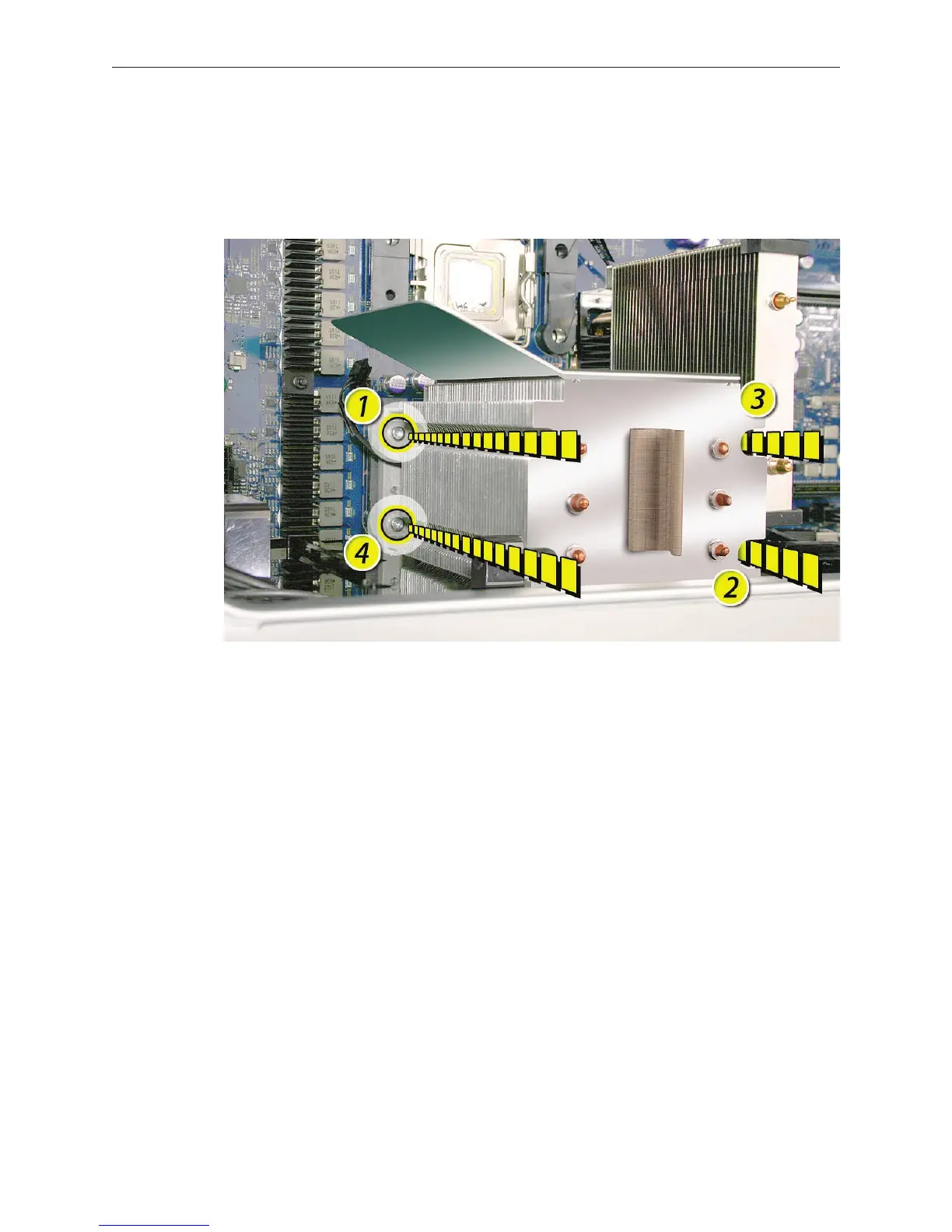
Lightly tighten the heatsink mounting screws in the order indicated below.2.
To secure the heatsink to the processor, again tighten the screws in the order indicated.3.
Reconnect the processor heatsink cable to the logic board.4.
Repeat steps 1–5 for the upper processor heatsink.5.


 To Next Page
 Loading...


