Mac Pro (Early 2008) Take Apart — Processors, 2.8 and 3.0 GHz 91
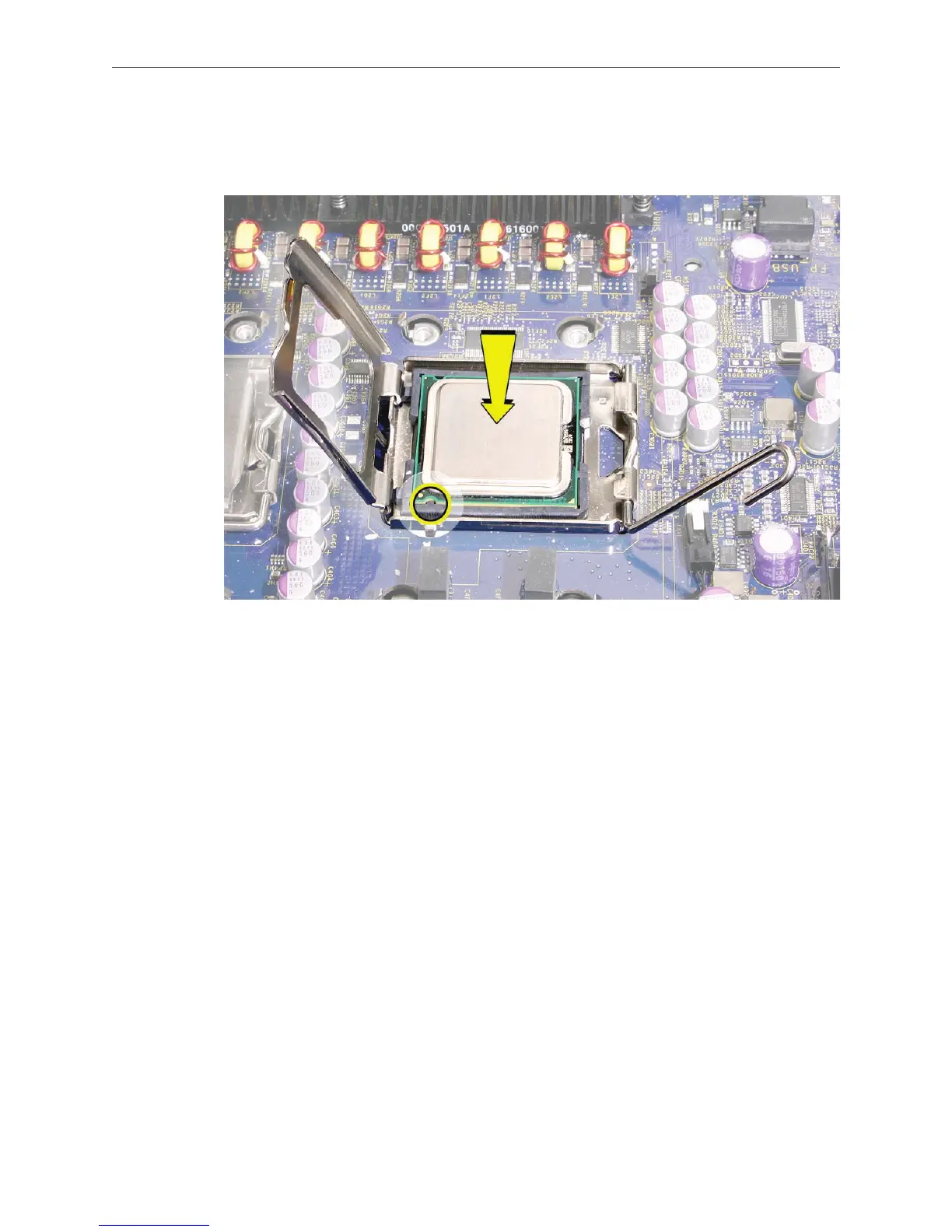
Replacement Note: When installing the processor on the logic board, align the processor notch
with the tab on the processor holder, as illustrated. Then lower the processor straight down onto
the socket.
Note: Unlike in earlier Power Mac G5 computers, replacing a processor in Mac Pro (Early 2008)
does not require running Apple Service Diagnostic for thermal calibration.


 To Next Page
 Loading...


