Mac Pro (Early 2008) Take Apart — Processors, 3.2 GHz 95
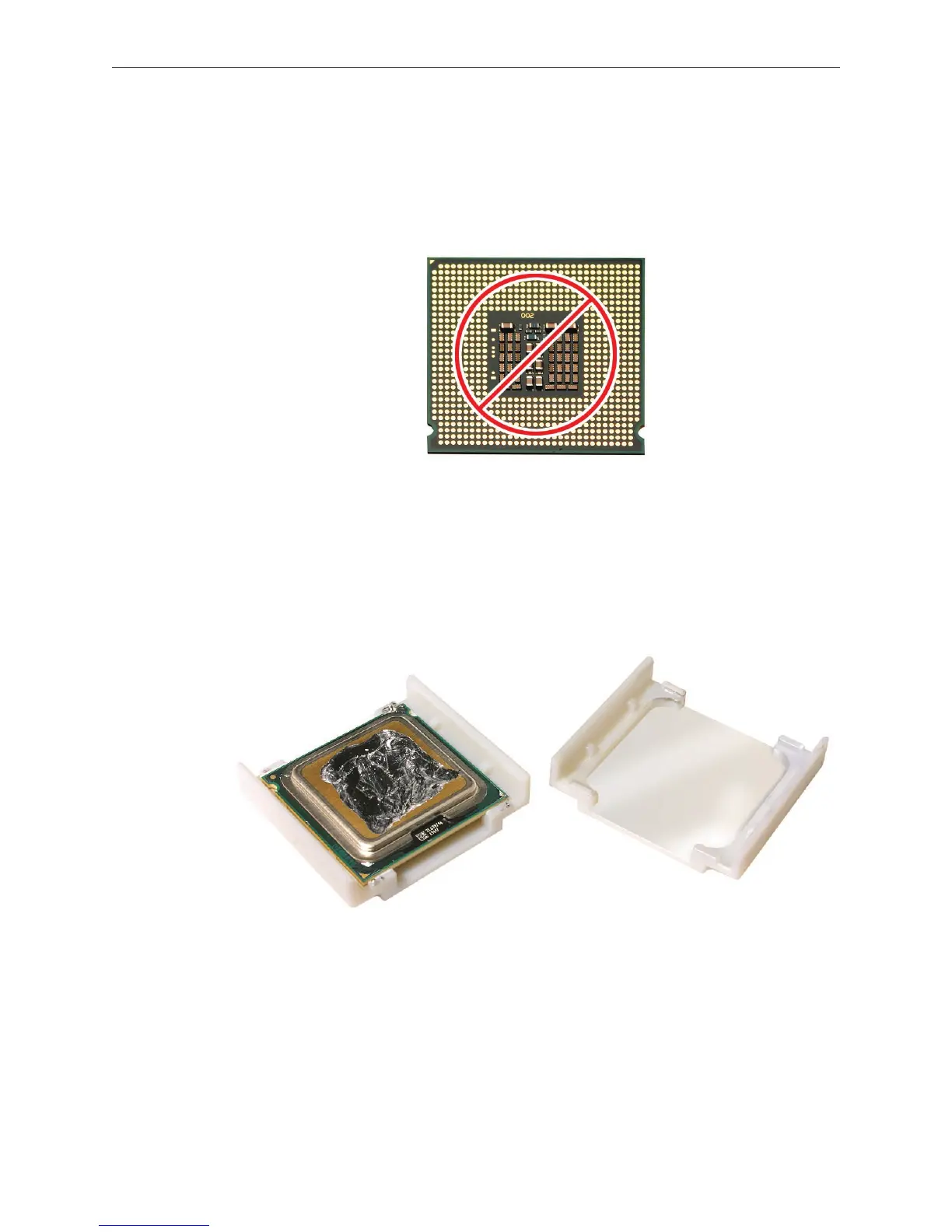
Important: When removing or installing a processor, always hold the processor by the edges.
Be extremely careful not to touch the gold pins on the bottom of the processor, as this type of
connector is very sensitive to contamination. Also be careful not to touch the gold pins in the
processor socket on the logic board.
Replacement Note: Before installing a new, replacement processor, remove the protective
container covering the new processor. Transfer the container to the original processor before
returning it to Apple.
IMPORTANT:
If you are installing a
new processor, do
not remove it from
its vacuum-packed
bag until you are
ready to install it.
Be sure to follow
all directions for
unpacking the
processor that are
included in its
packing box.


 To Next Page
 Loading...


