Mac Pro (Early 2008) Take Apart — Speaker Assembly 99
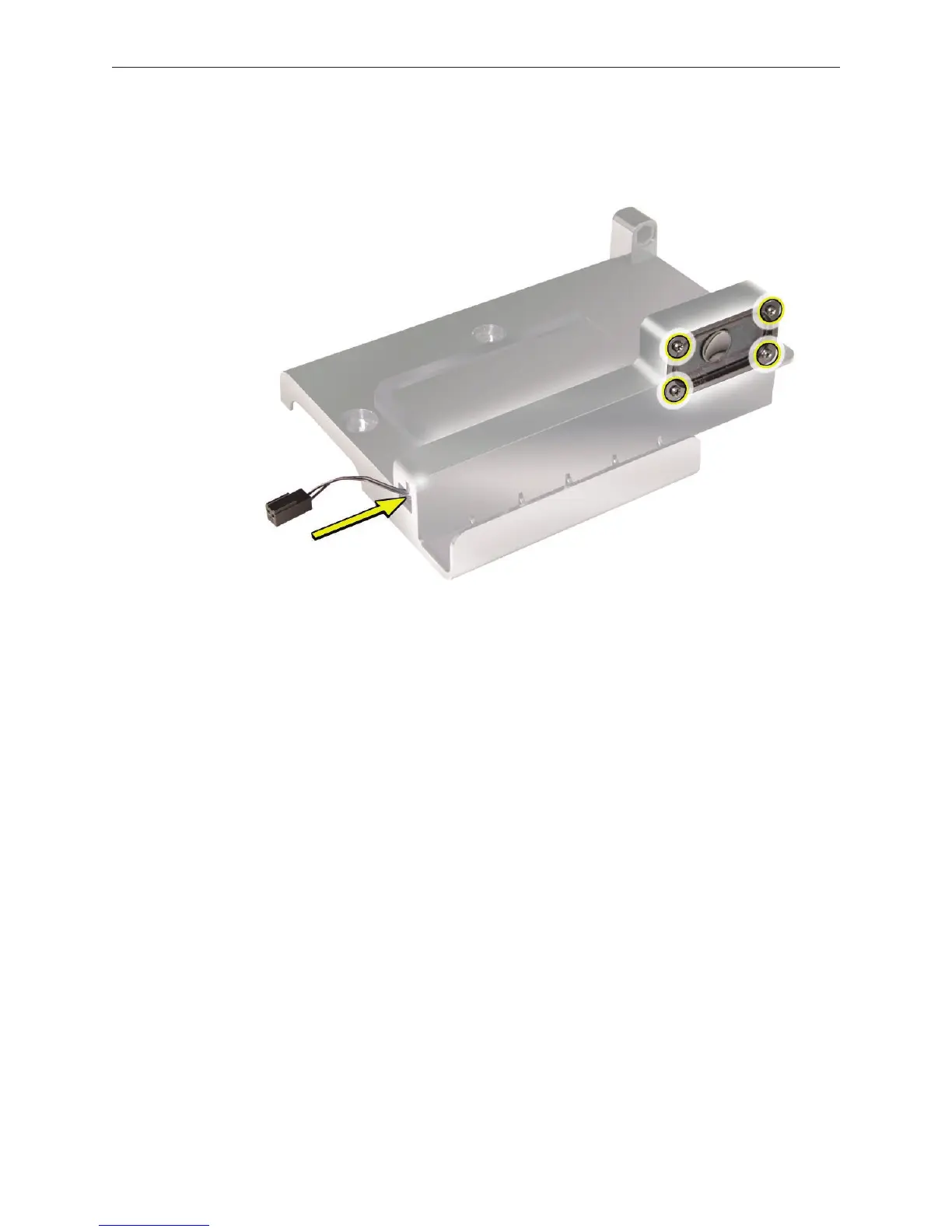
If you are replacing the speaker in the assembly bracket, do the following: 5.
• Slide the speaker cable through the opening in the speaker bracket.
• Using a magnetized jeweler’s #0 Phillips screwdriver, remove the four mounting screws.
Remove the speaker and cable from the bracket.6.


 To Next Page
 Loading...


