Mac Pro (Mid 2010) Basics — Overview 13
2010-08-31
How to Identify Single- and Dual-Processor Congurations
To identify the conguration of a Mac Pro (Mid 2010) computer, check the code on the
computer’s conguration label, which is located on the computer’s back panel directly below
the video ports. See “Serial Number Location.”
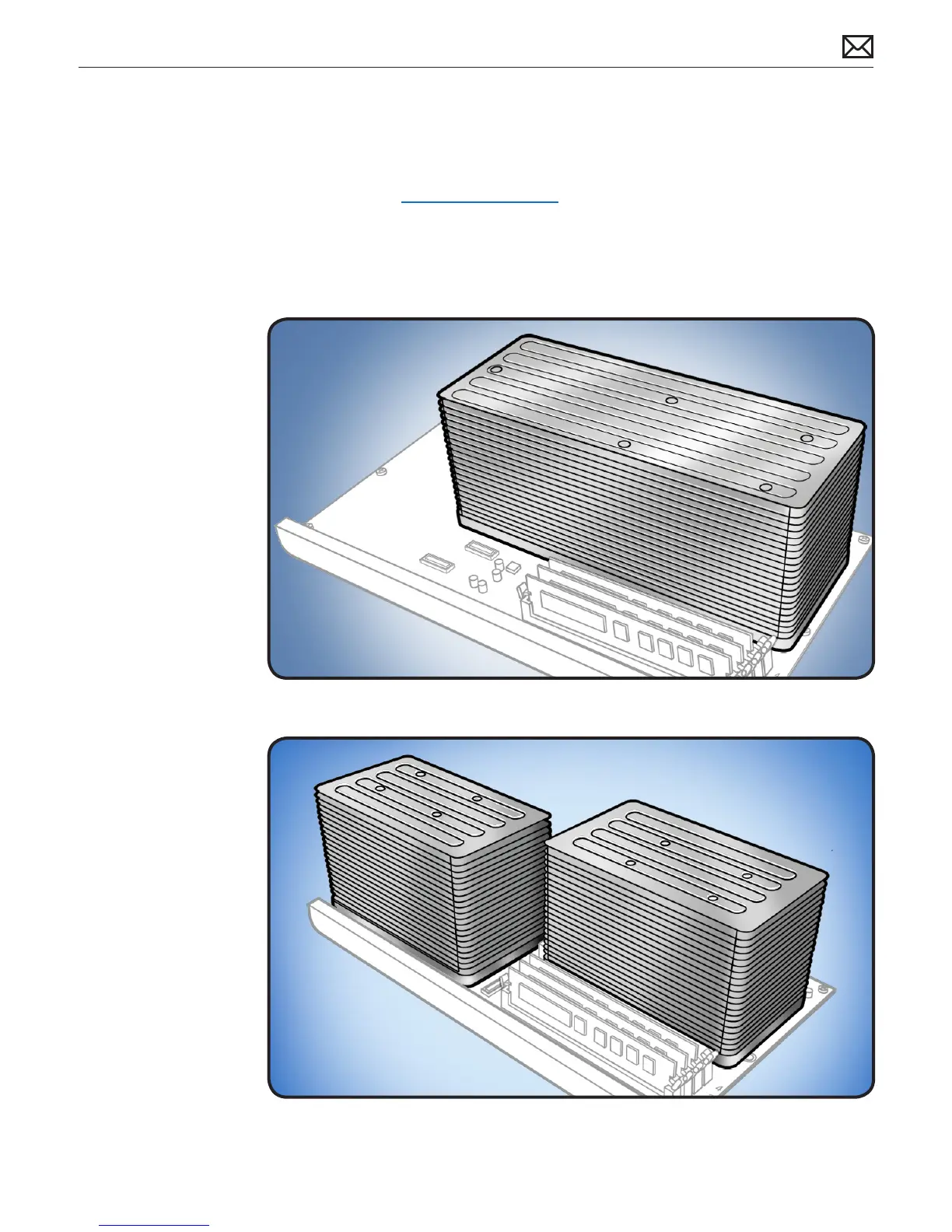
Another quick way to identify the conguration is to open the side panel and inspect the
processor heatsinks on the processor board. The congurations look like the following:
Single-Processor Conguration
Dual-Processor Conguration



 To Next Page