Mac Pro (Mid 2010) Symptom Charts — No Power/Dead Unit 43
2010-08-31
Deep Dive
Check Result Action Code
1. Verify that connection
between power supply
and backplane board is
undamaged and secure. Verify
that power button and front
panel board cable connections
to the front panel board are
undamaged and secure. See
Functional Overview.
Yes Go to step 2
No Reseat all connectors and
retest.
2. Connect AC power cord to the
computer. Verify the 5V STBY
LED illuminates when you
press the DIAG button on the
backplane board.
Yes STBY LED illuminates, but
computer won’t power ON.
Go to step 4.
No Suspect power supply failure.
Replace power supply and go
to step 3.
P01
3. Verify the 5V STBY LED
illuminates when you press the
DIAG button on the backplane
board.
Yes Issue resolved.
No Go to step 5.
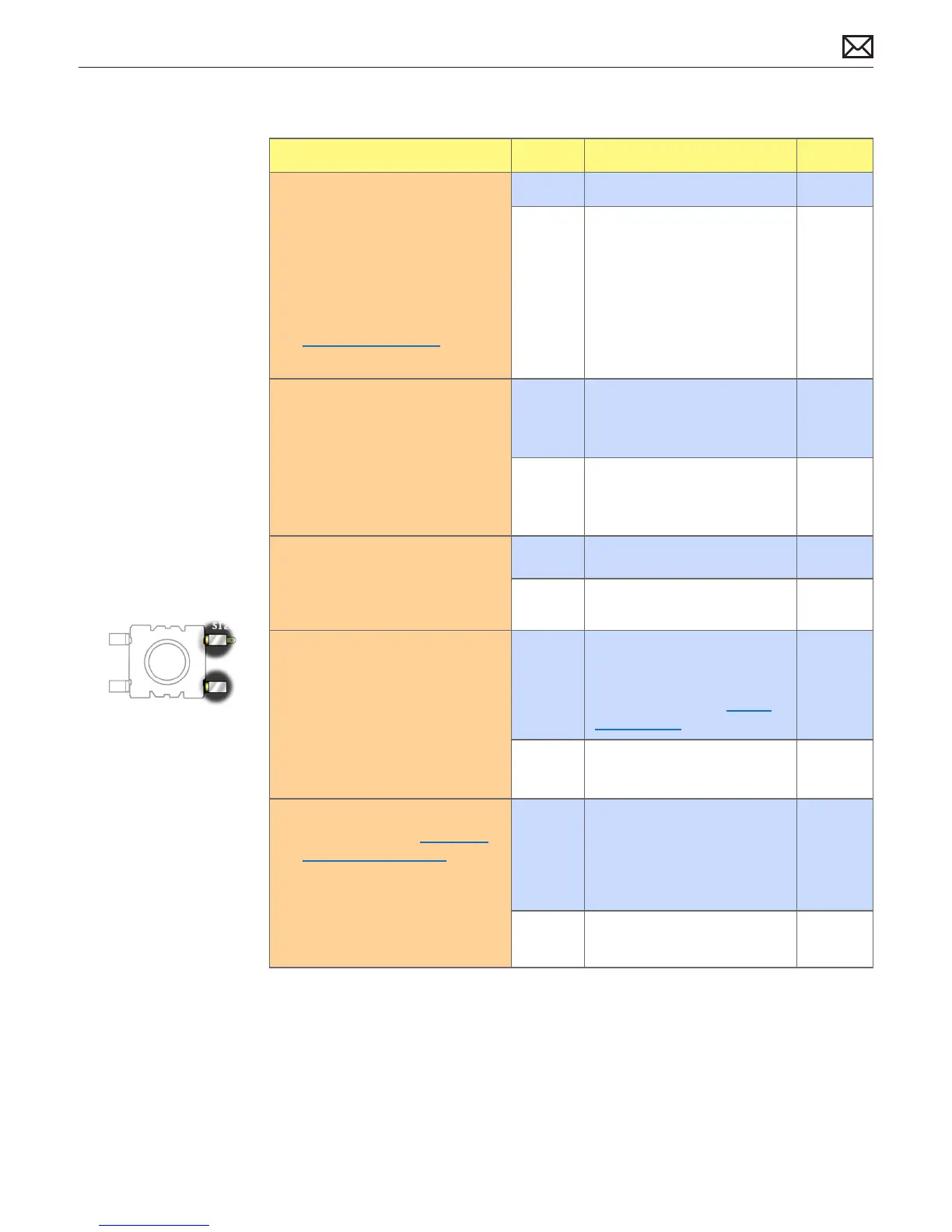
4. Disconnect the front panel
board. Momentarily jumper the
pictured SYS_PWR solder pads
on the backplane board. Verify
the computer turns ON.
Yes Front panel board or power
button faiure. For front panel
board, use code M01. To verify
power button, go to Power
Button Stuck.
M01
No Go to step 5. P01
5. Reduce computer to minimal
conguration. See Minimum
Conguration Testing. Verify
the 5V STBY LED illuminates
when you press the DIAG
button on the backplane
board.
Yes Suspect a module that has
been removed. Reinstall
modules until symptom
reappears. Replace aected
module. Then go to step 6.
No Replace backplane board and
retest.
M01



 To Next Page