Mac Pro (Mid 2010) Symptom Charts — Intermittent Shutdown 47
2010-08-31
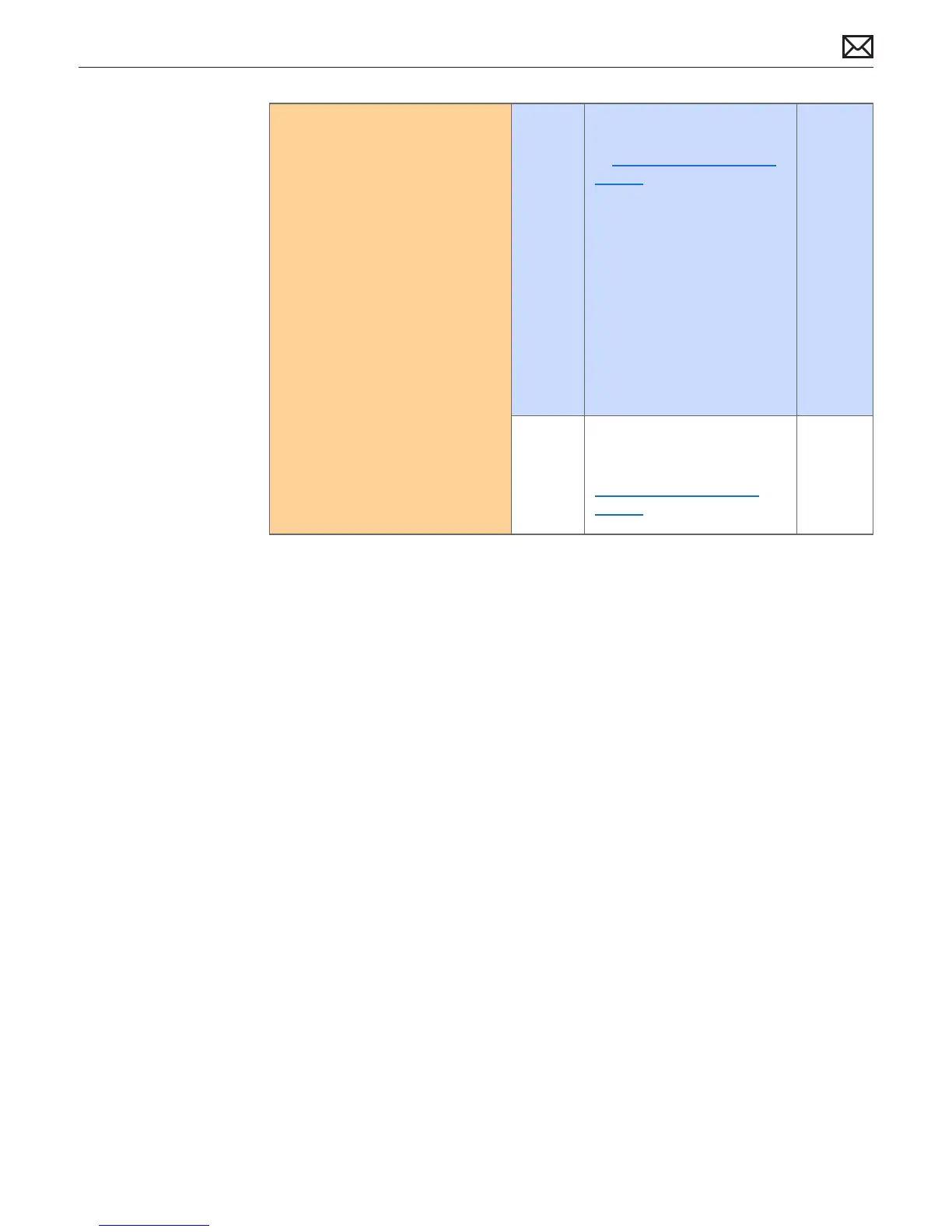
6. Disconnect all internal boot
volumes. The computer should
not discover any boot volumes
and should start to the ashing
“Folder?” Verify if the computer
continues to intermittently
shutdown/restart/sleep
Yes Computer continues to
shutdown/restart/sleep. Refer
to Minimum Conguration
Testing troubleshooting:
Remove all modules and
peripherals not critical
to operation. Verify that
computer functions correctly
and does not shutdown/
reset/sleep unexpectedly.
Then reinstall modules one
at a time and restest until
symptom returns. Verify that
the last module added is not
the cause by removing it
again.
No Run Apple Service Diagnostic
from an external USB drive.
Suggest to also go to
Minimum Conguration
Testing if no errors are found.



 To Next Page