Mac Pro (Mid 2010) Symptom Charts — Noise/Hum/Vibration 58
2010-08-31
Deep Dive
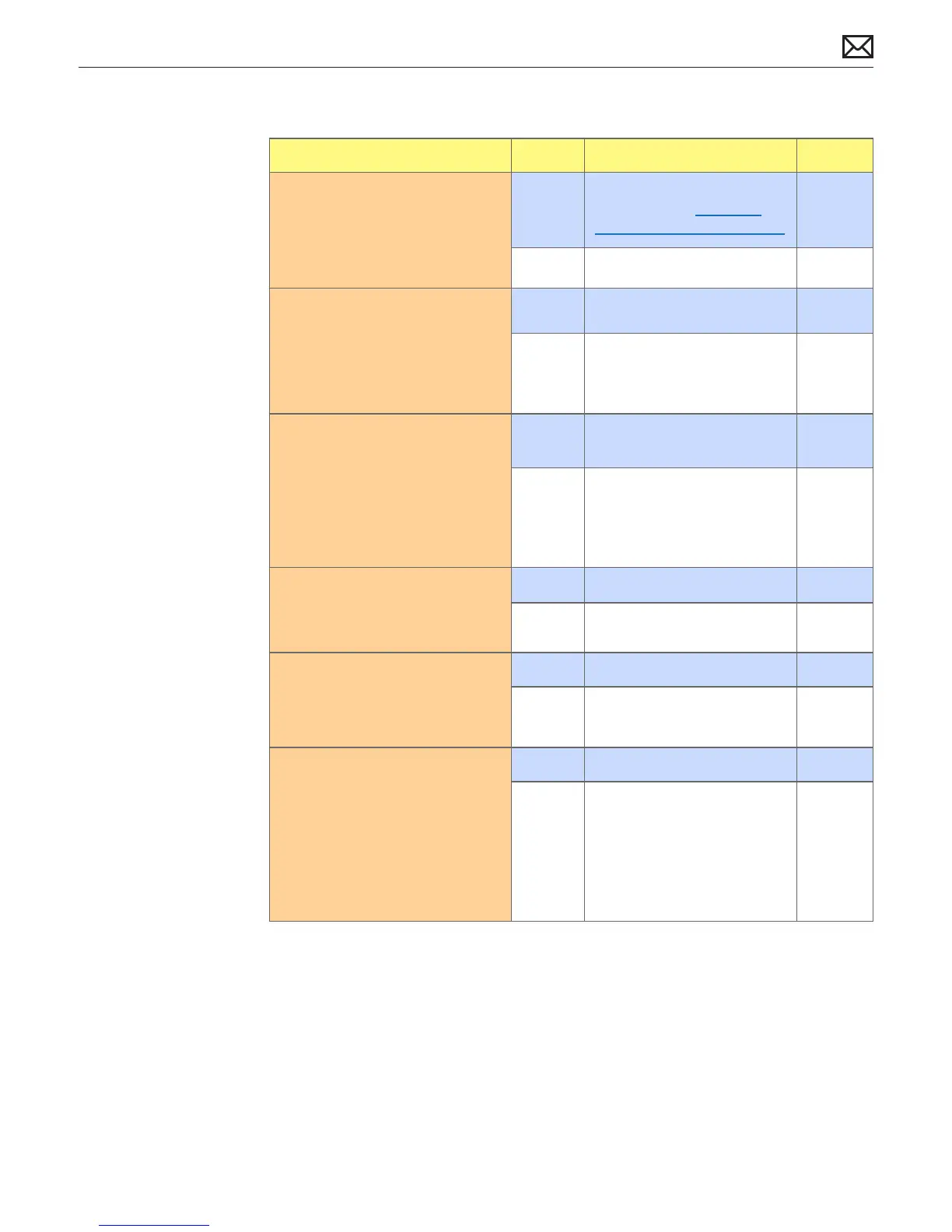
Check Result Action Code
1. Disconnect the speaker from
backplane board. Power
computer ON and verify noise
disappears.
Yes Audio issue with speaker or
amplier. Go to Distorted
Audio from Internal Speaker
No Go to step 2
2. Verify temperature sensors and
fans are securely connected
to their respective locations.
See Sensor and Fan Location
Overview
Yes Go to step 4
No Disconnect/reconnect
temperature sensors and Fans
and retest.
3. Determine if noise issue
sounds like computer fans
are running abnormally fast.
Note: Ensure the computer did
not have the power button
pressed when adding the AC
power cord.
Yes Replace related temperature
sensor or fan.
P04
No Go to step 4
4. Remove fan(s) and inspect
blades for damage or
obstructions.
Yes Replace aected fan(s) P04
No Go to step 5
5. Remove related fan(s) and
rotate blades. Verify that fan
blades spin smoothly without
interference from fan housing.
Yes Go to step 6
No Replace aected fan(s) P04
6. Reinstall fan; make sure there
are no cables routed under or
near fan assembly that might
interfere with the fan blades.
After reassembling display,
verify that the noise issue is
resolved.
Yes Noise issue resolved
No Replace aected fan assembly.
Retest



 To Next Page