EasyManua.ls Logo

Apple Mac Pro - Page 11

Apple Mac Pro
128 pages
Print Icon
To Next Page IconTo Next Page
To Previous Page IconTo Previous Page
Loading...
11Chapter 1 Ready, Set Up, Go
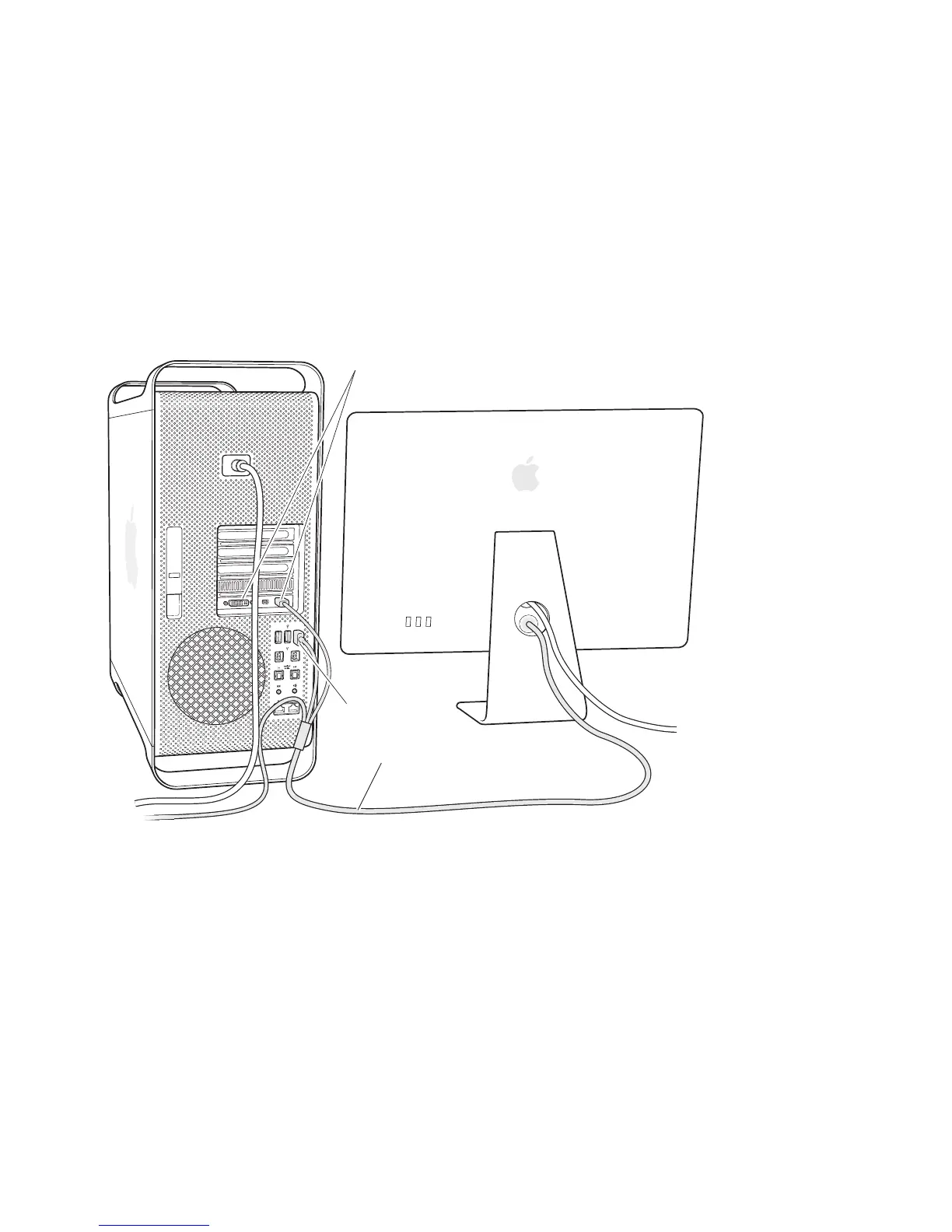
Step 3: Connect a display.
IfyouareconnectingadisplaytoyourMacPro,connectitasshownbelow.Depending
onthedisplay,youmayhaveoneormorecablestoconnect.Checktheinstructions
thatcamewiththedisplayforadditionalsetupinformation.
Display cable
Display ports
USB port

Other manuals for Apple Mac Pro

Related product manuals