46 Chapter 3 Making a Good Thing Better
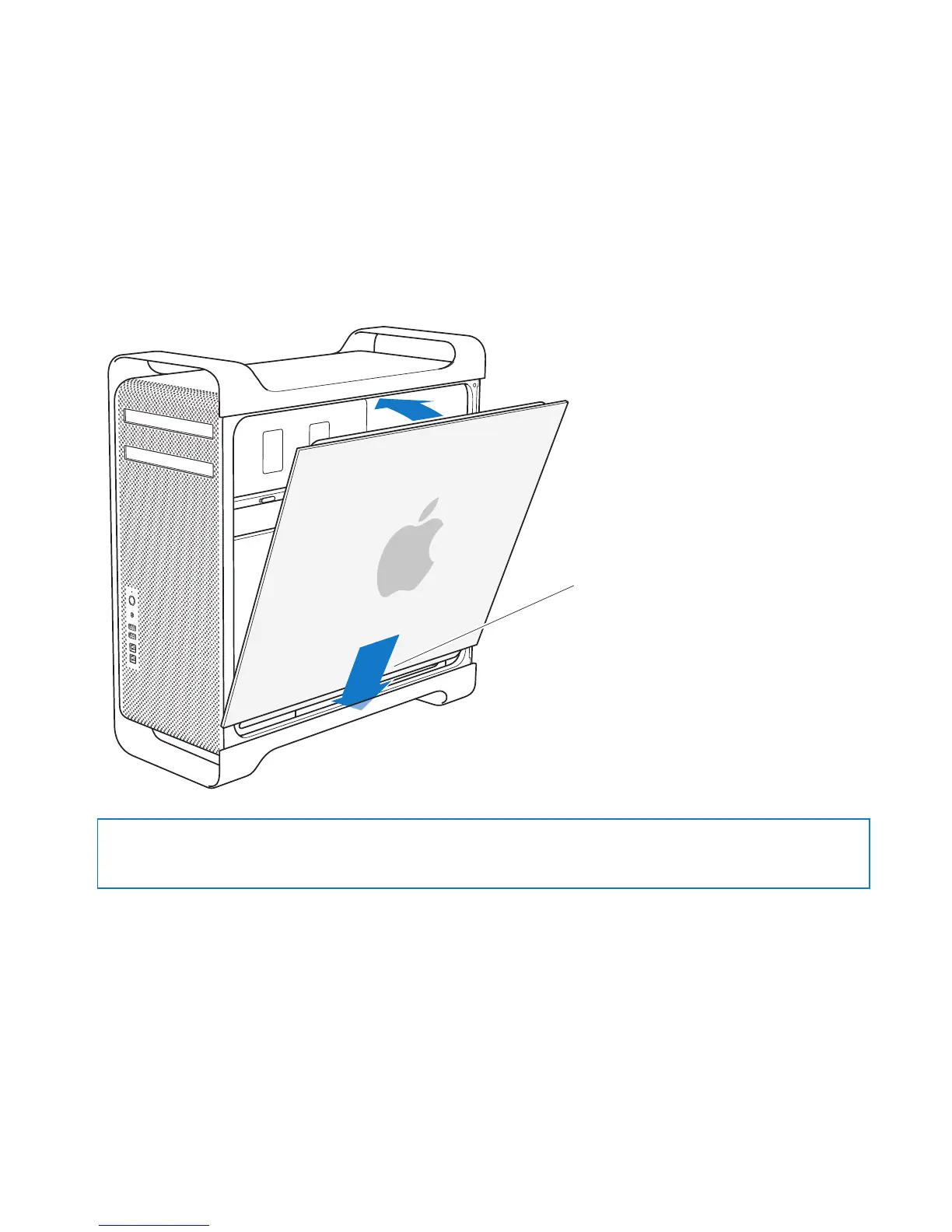
9 Replacethesidepanel.
Whenyoureplacethesidepanel,makesurethelatchisup.Holdthesidepanel
securelysoitstaysinplaceasyoupushthelatchdown.
Place the side panel
in the slot and then
push to close.
NOTICE: Alwaysreplacethesidepanelafterinstallingcomponents.YourMacPro
doesn’toperateproperlywithoutthesidepanelinplace.



 To Next Page