MacBook (13-inch) Hard Drive 7
Use a plastic card, if necessary, to tuck in the EMI gaskets located on the RAM door so they
do not protrude from the edge of the battery bay. Make sure the three screws align with the
holes in the bottom case before tightening them.
Closing the Computer
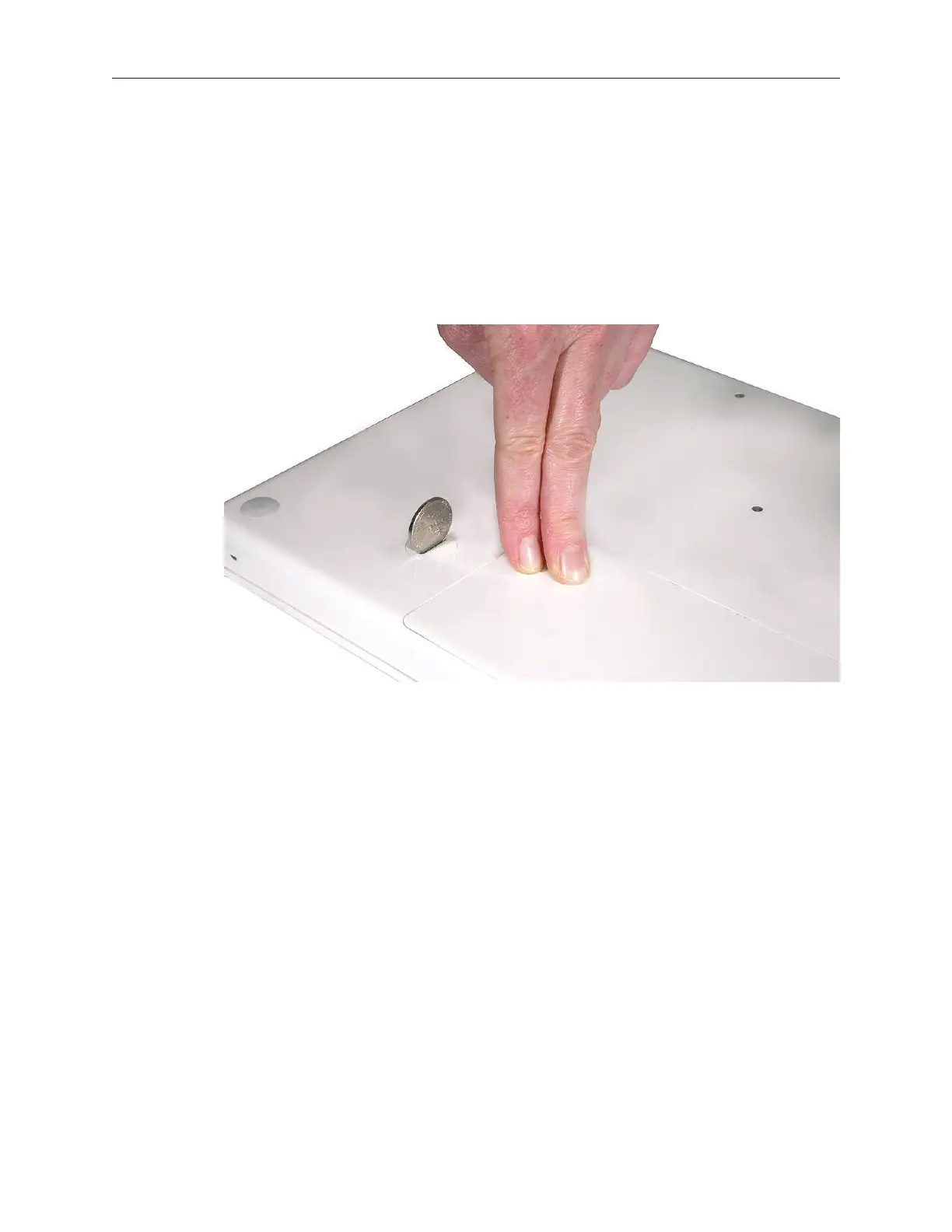
Replace the battery by tilting the foot end of the battery into the battery bay rst. Then press
and hold down the other end of the battery as you turn the coin to lock it into place.
Connect the power cord.
Warning: Never turn on the computer unless all of its internal and external parts are
in place and it is closed. Operating the computer when it is open or missing parts can
damage it or cause injury.
Restart your computer and restore the operating system that came with your computer as
described in the next section.
3.
1.
2.
3.



 To Next Page