MacBook (13-inch) Hard Drive 3
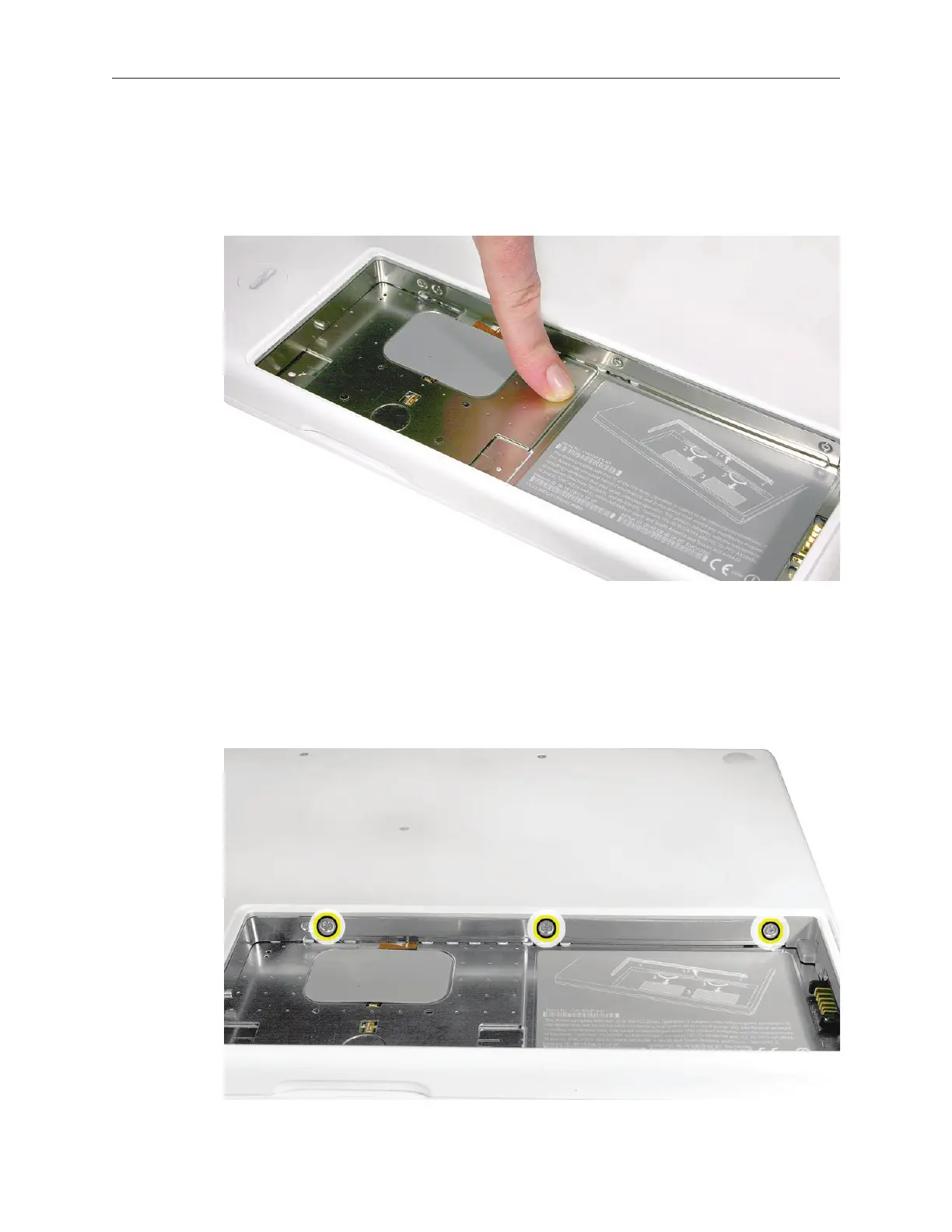
Touch a metal surface inside the battery bay to discharge any static electricity.
Important: Always discharge static before you touch any parts or install any
components inside the computer. To avoid generating static electricity, do not walk
around the room until you have nished working and closed the computer.
Removing the Hard Drive
Note: Before you can remove the hard drive, you must remove the battery and RAM door.
Loosen—but do not try to remove—the three captive screws along the RAM door.
8.
1.



 To Next Page