12 Chapter 1 Ready, Set Up, Go
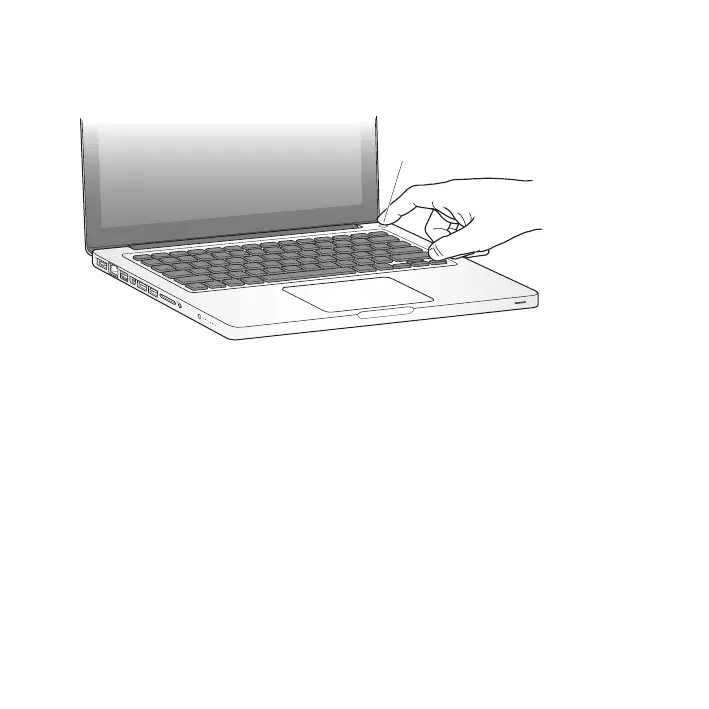
Step 3: Press the power (®) button briey to turn on your MacBook Pro.
Youhearatonewhenyouturnonthecomputer.
®
® Power button
IttakestheMacBookProafewmomentstostartup.Afteritstartsup,SetupAssistant
opensautomatically.
IfyourMacBookProdoesn’tturnon,see“IfyourMacBookProdoesn’tturnonorstart
up”onpage52.



 To Next Page