MacBook (13-inch) Take Apart — Memory 23
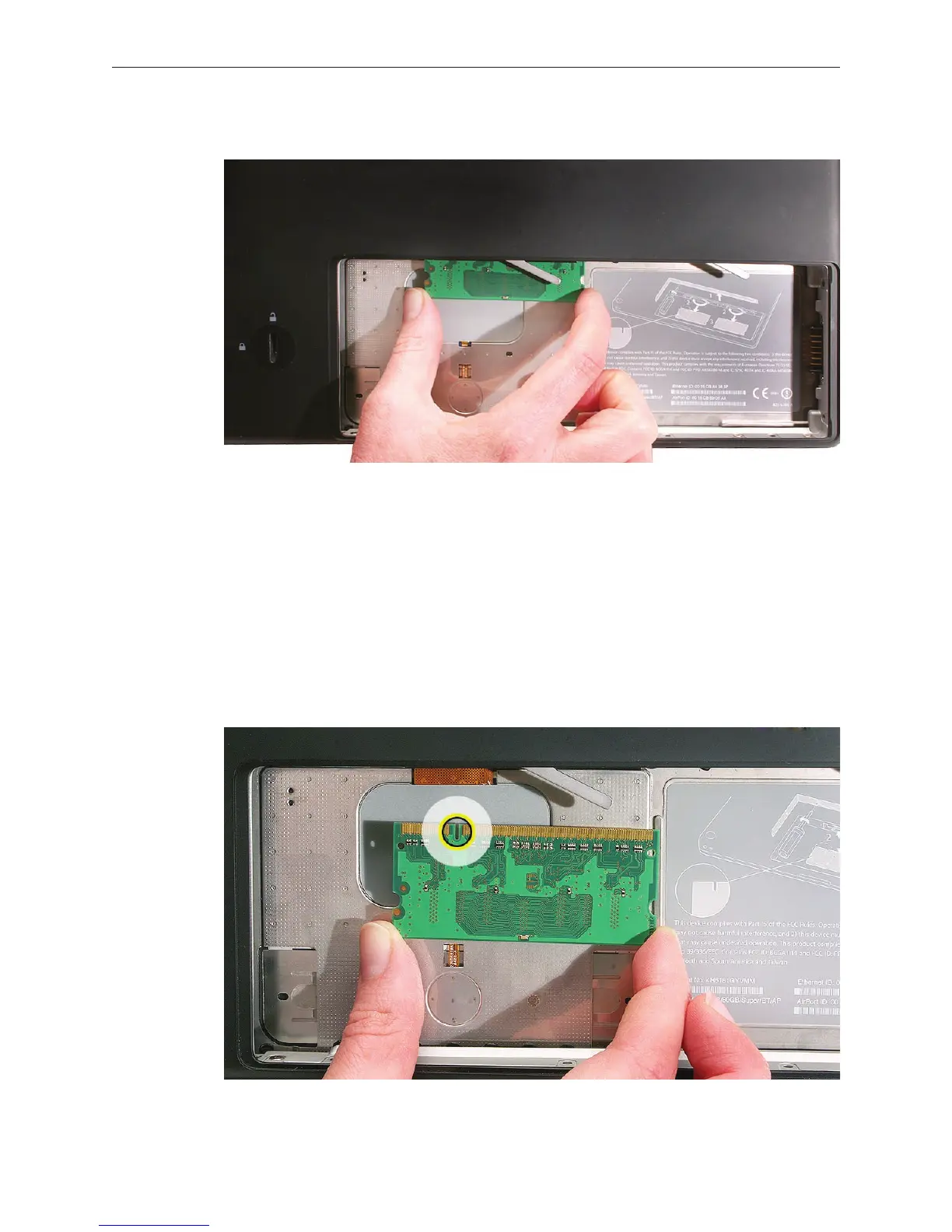
Holding the memory cards by the corners, slide them out from the battery bay.
Important: Do not touch the gold connectors. Handle the card only by its edges.
Note: A memory card might show a white residue when you remove it. This harmless
substance acts as a lubricant when installing the memory card at the factory, but it is not
required when reinstalling a memory card.
Replacement Procedure
Align the memory card so that the gold connectors face the slot and the notch is on the left.
(The chip side of the board faces down.)
4.
1.



 To Next Page