Chapter 3 Boost Your Memory 39
Step 3: Replacing the Battery
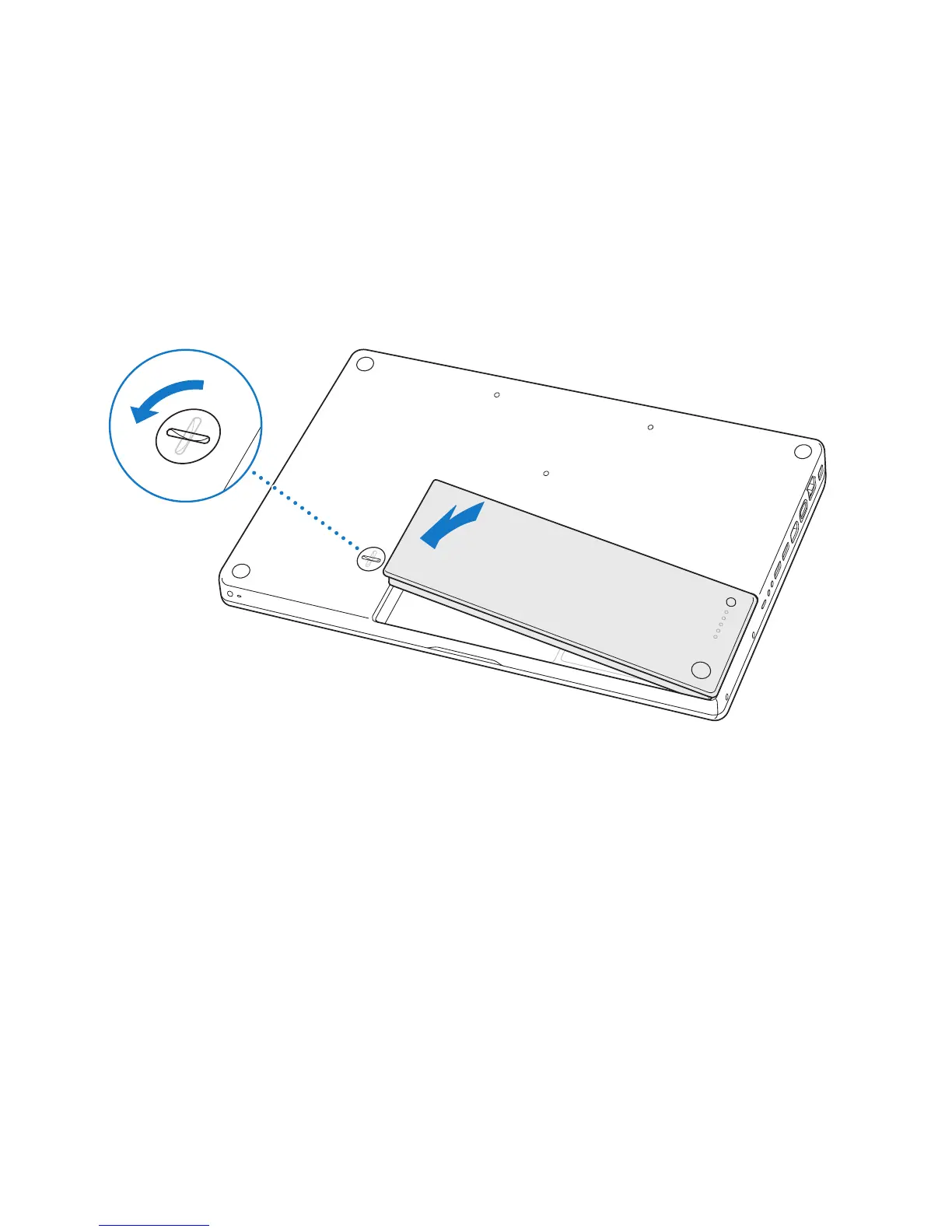
1 Place the right side of the battery into the battery compartment. Gently press the left
side of the battery down. Use a coin to turn the latch a quarter turn counterclockwise
to lock the battery into place.
2 Reconnect the power adapter and any other cables that were attached.
¥
Á
¥
Á



 To Next Page