Chapter 1
Ready, Set Up, Go
9
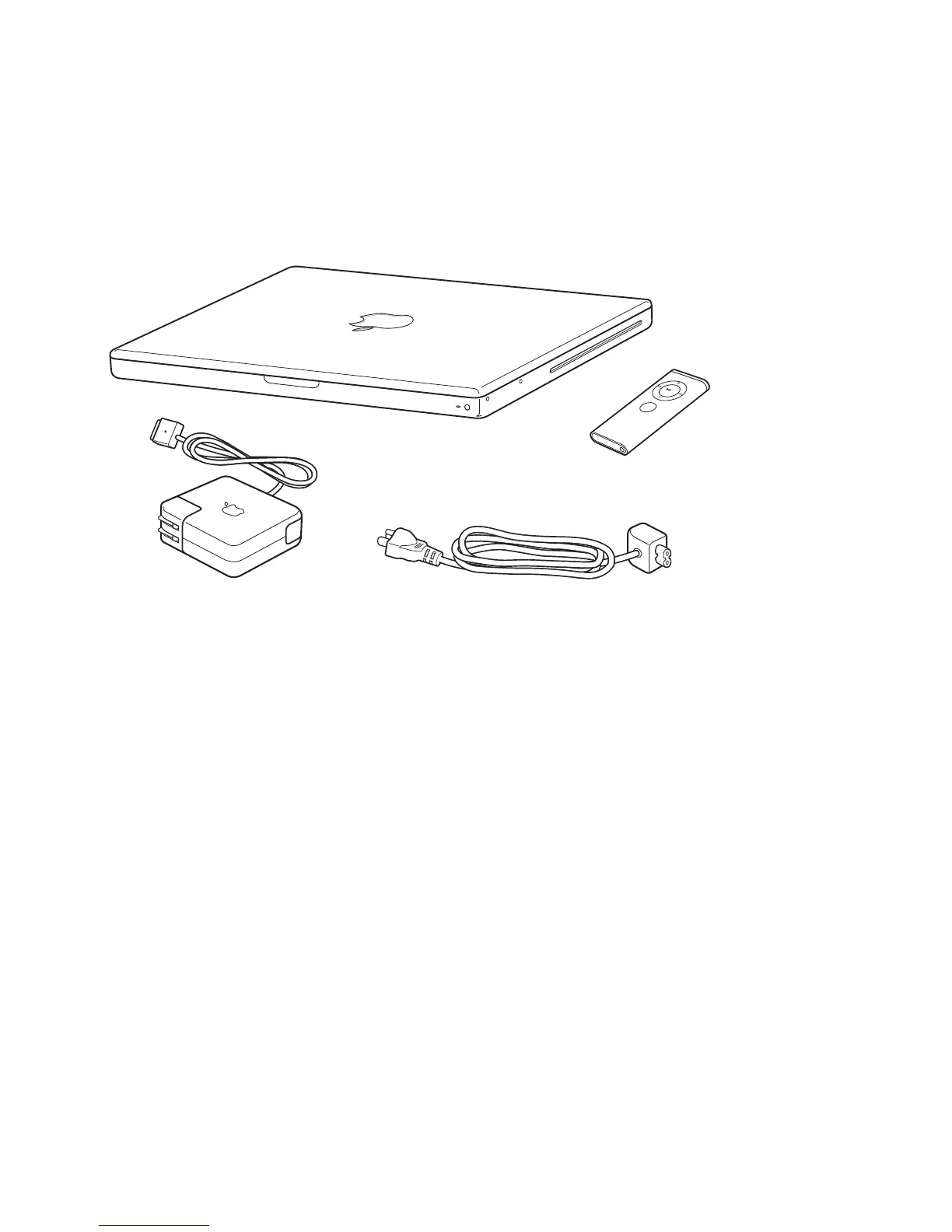
What’s in the Box
Setting Up Your MacBook
Your MacBook is designed so that you can set it up quickly and start using it right
away. The following pages take you through the setup process, including these tasks:
Â
Plugging in the 60W MagSafe Power Adapter
Â
Connecting cables and accessing a network
Â
Turning on your MacBook and using the trackpad
Â
Configuring a user account and other settings using Setup Assistant
Â
Setting up the Mac OS X desktop and preferences
AC power cord
Apple Remote
AC
plug
60W MagSafe Power Adapter
M
EN
U



 To Next Page