20 Chapter 4
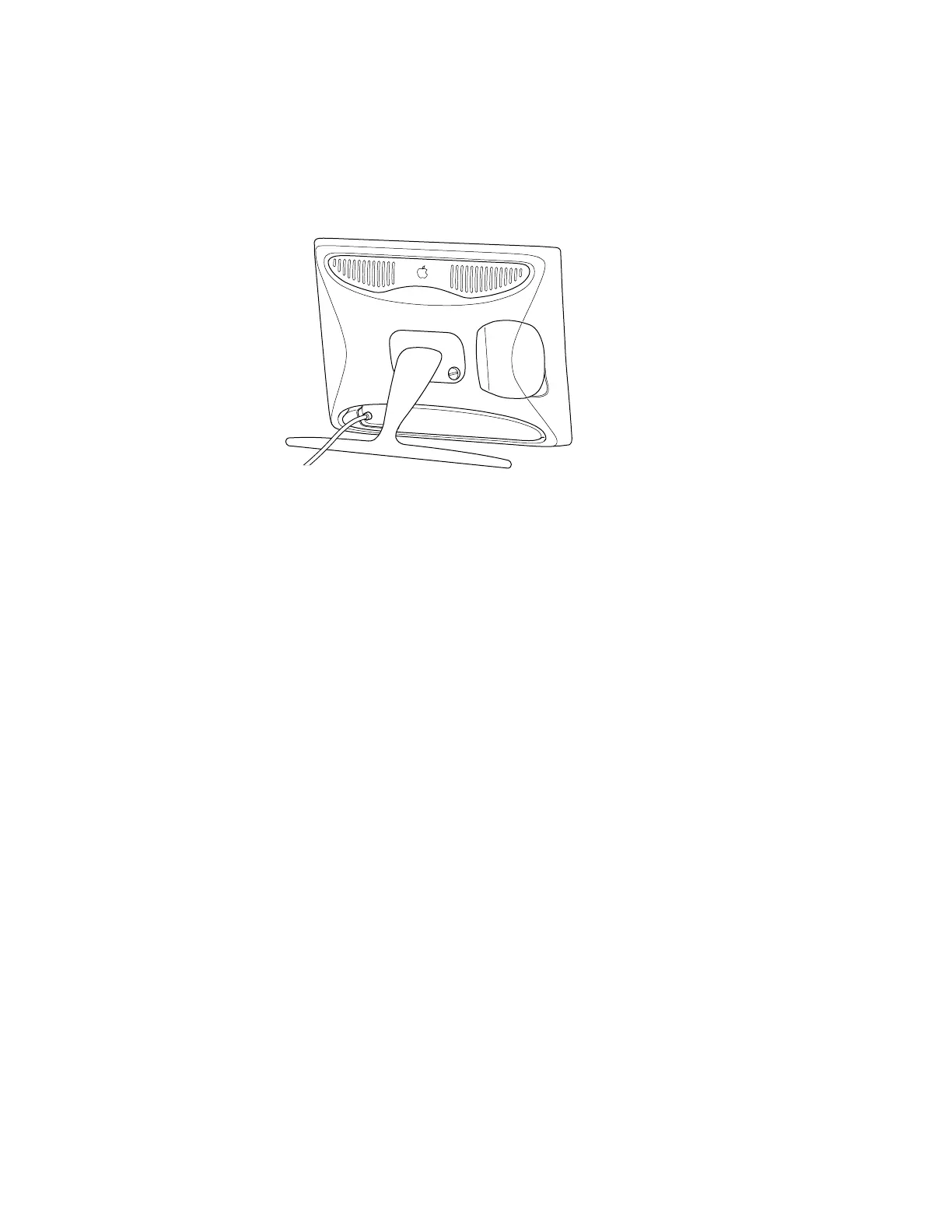
m You can use the flip-out stand if you want the display to be more portable, such as when
you are giving presentations.
Positioning the Display
If you’re using the flip-out stand, move the display on the desk or table until you can see the
screen clearly; there are no height adjustments.
If you’re using the display with the desktop stand, you can adjust it for your greatest comfort.
1 Place the display so the screen faces you.
Important Before you adjust the display, make sure there is enough slack in the cables. If
you don’t allow enough clearance, the cables or connectors might be damaged.



 To Next Page