Using Your Display Stands 23
8 Remove any cables from the cable guide on the desktop stand.
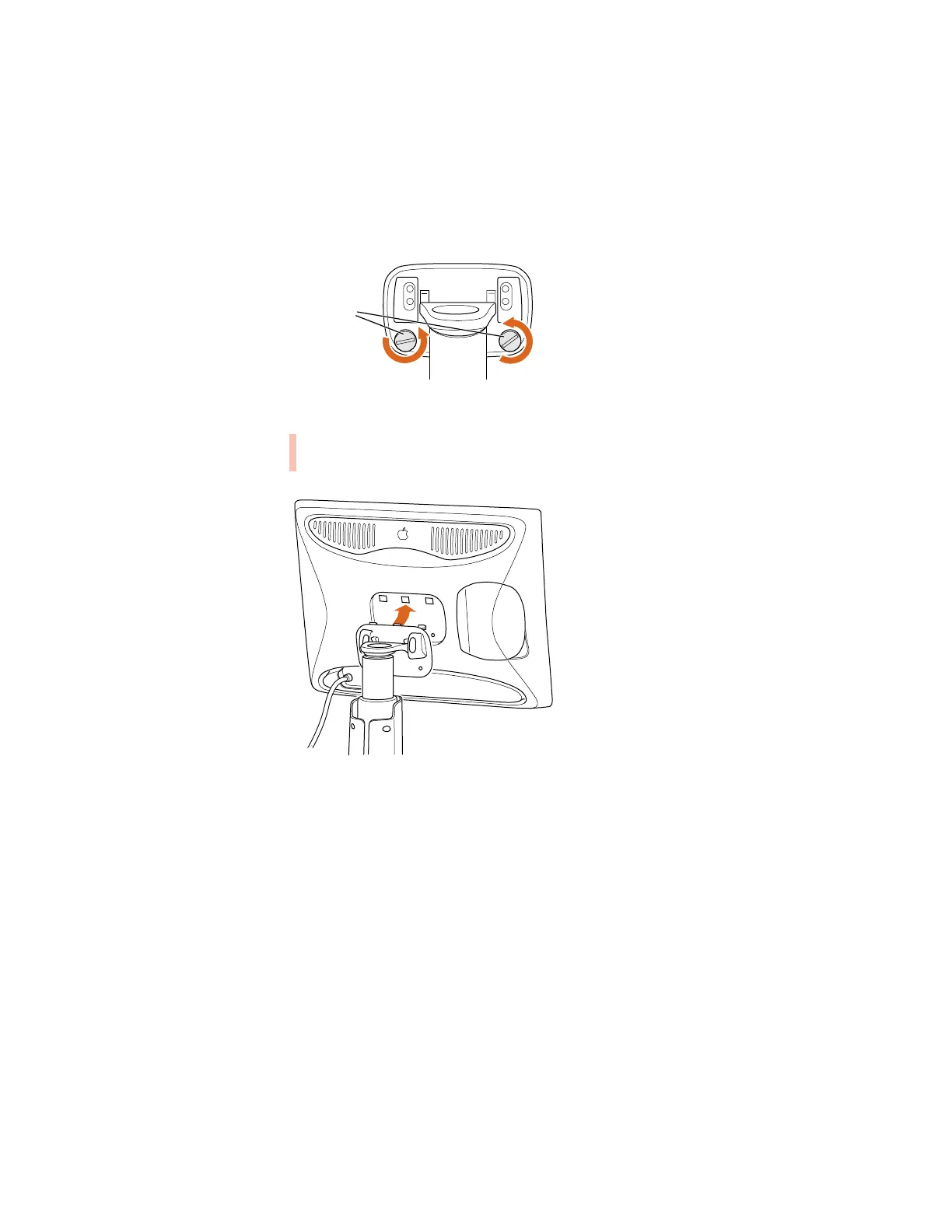
9 Use a coin or flathead screwdriver to unscrew the two plastic thumbscrews on the back cover
of the display.
10 Pull the display slightly up and away from the stand.
11 Place the display on a clean, flat surface.
12 Store the stand in a safe place.
Plastic
thumbscrews
Warning The desktop stand will automatically rise to its highest position, if it’s not
already at its maximum height. Be careful not to drop the display.



 To Next Page