Adjustments Diagnostic Adjustments - 5
improvement. If the color
distortion does not change,
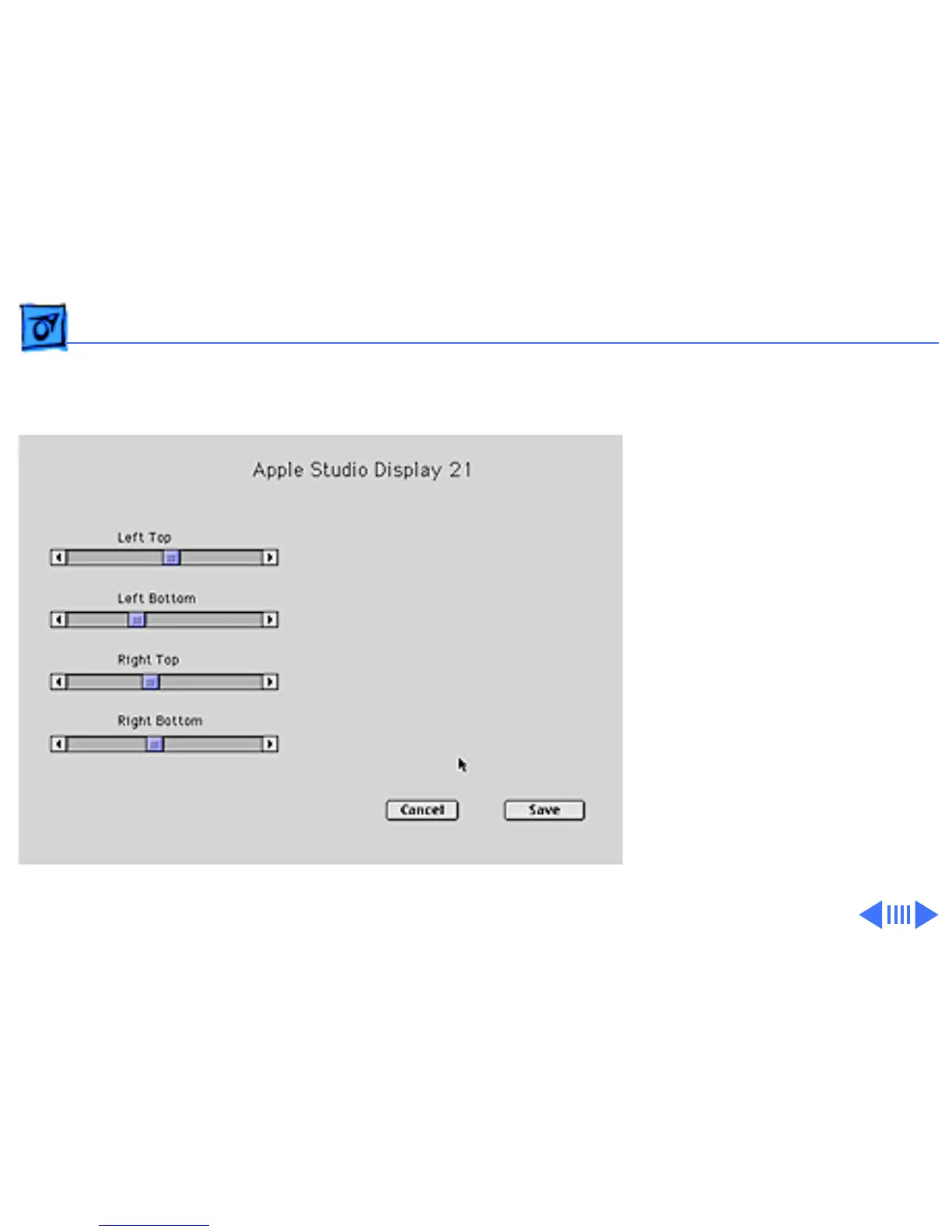
use the Beam Landing button.
When you click Beam
Landing, a screen with four
slider bar controls appears,
as shown. Moving a slider
bar adjusts the color
distortion in the corner
indicated by the control.
Important:
If you click
Cancel, any changes made
are not saved. However, to
resume the previous look of
the screen display, you must
reset the monitor by turning



 To Next Page