Basics Overview - 3
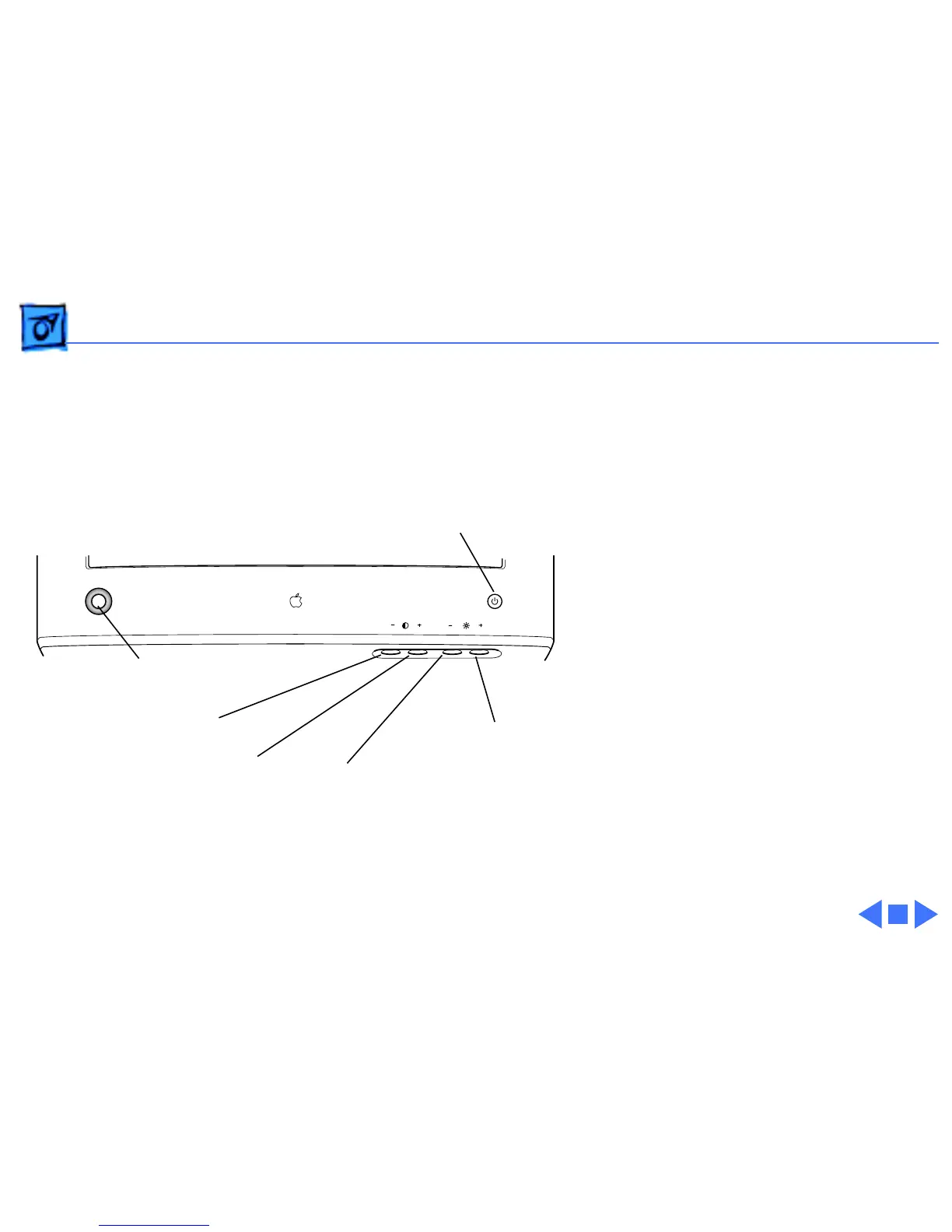
The front panel of the
display includes the
following controls:
• Power button
• Brightness increase and
decrease
• Contrast increase and
decrease
• Control panel launcher
button
The control panel launcher
button opens the Monitors &
Sound control panel window.
Power Button
Contrast Decrease Button
Contrast Increase Button
Control Panel Launcher Button
Brightness Decrease Button
Brightness Increase Button



 To Next Page