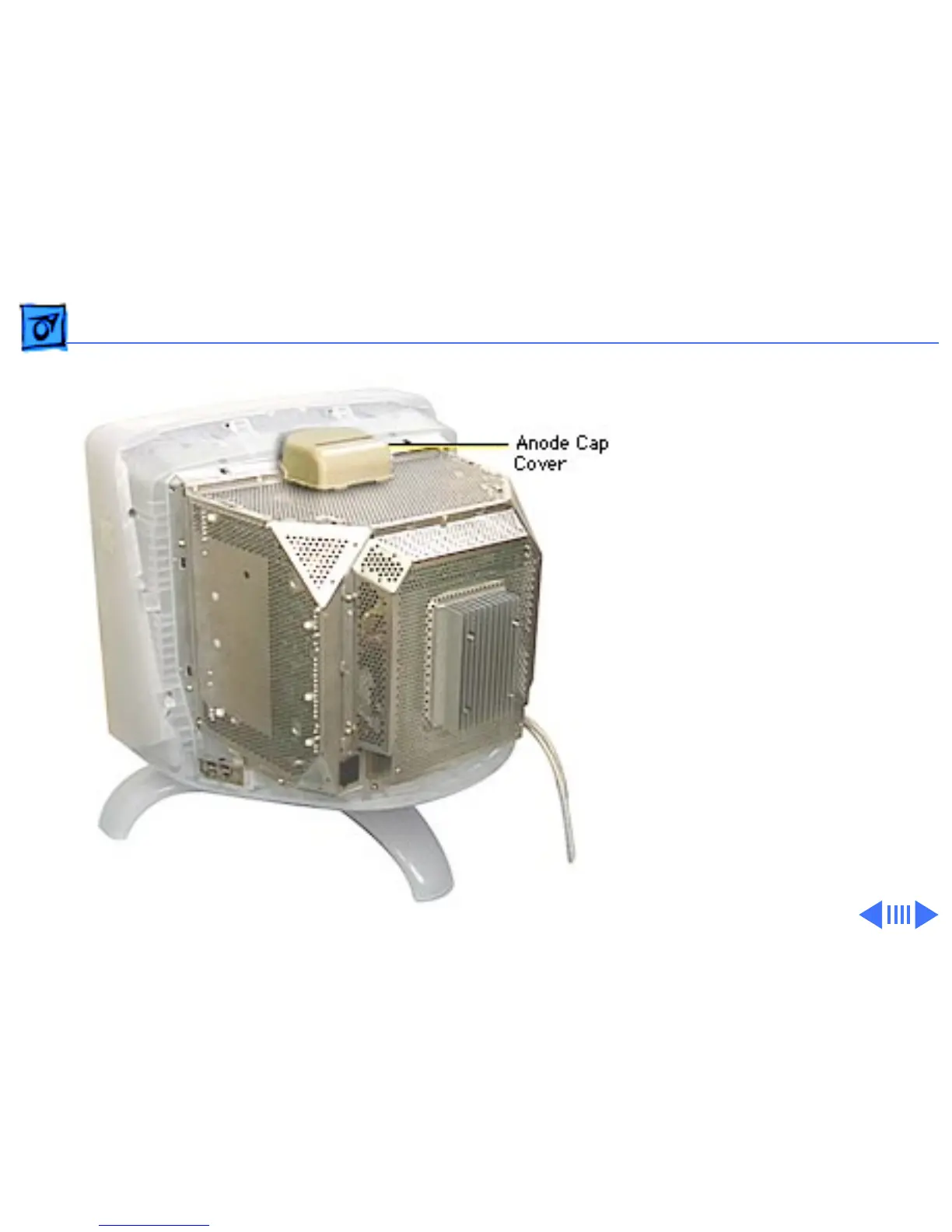
Take Apart Discharging the CRT and Removing the Anode Cap - 26
Discharging the
CRT and
Removing the
Anode Cap
Before you begin, remove
• USB cover
• Rear housing
±
Warning:
This product
contains high voltage and a
high-vacuum picture tube.
To prevent serious injury,
review CRT safety in
Bulletins/Safety and read
the safety guidelines at the
beginning of this chapter.



 To Next Page