Take Apart Back EMI Shield - 34
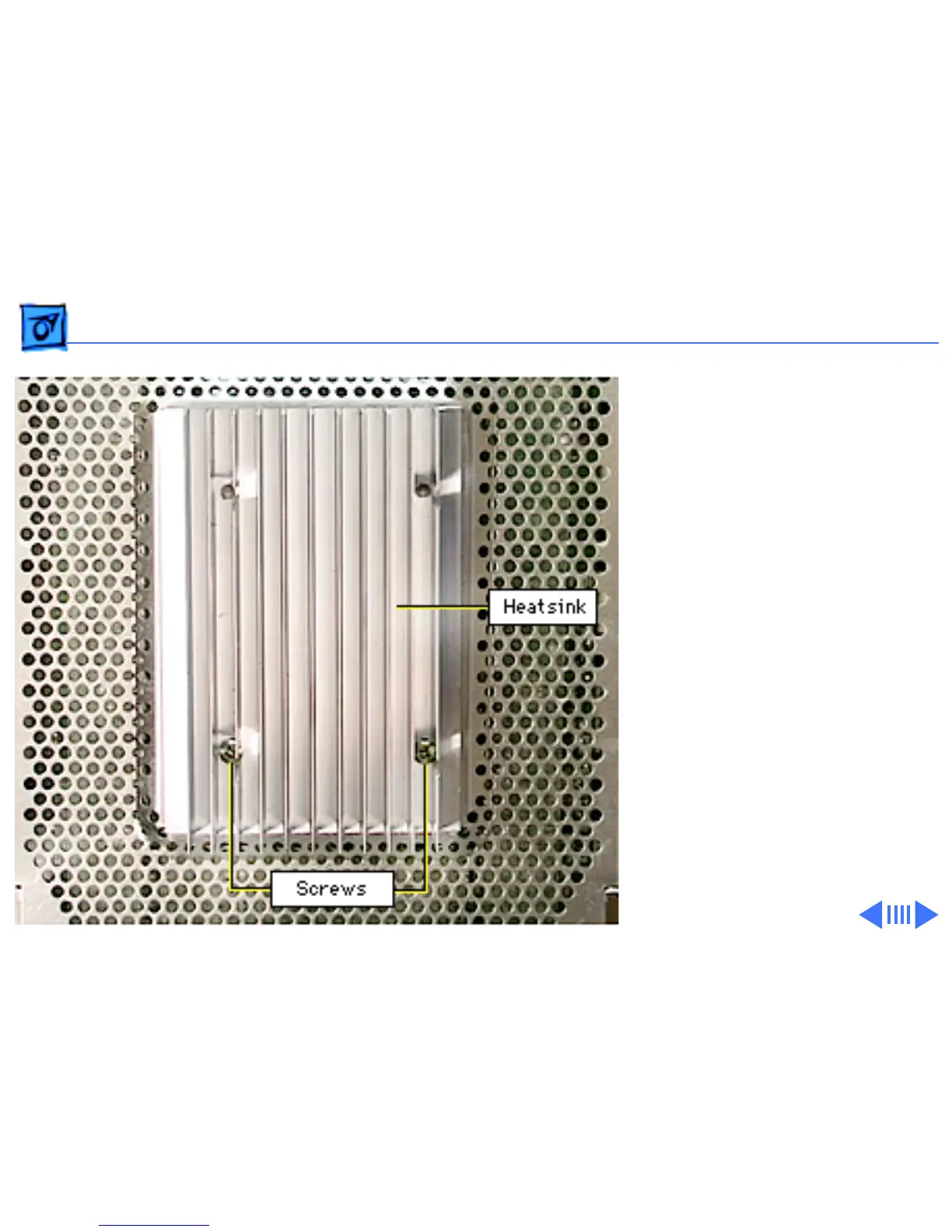
2 Remove the two lower
Phillips screws that
secure the heatsink to
the back EMI shield and
the copper posts inside
the display assembly.
Replacement Note:
The
heatsink, included on earlier
versions of the display, is
not essential. So do not
replace the heatsink, but do
ensure the two screws still
secure the back EMI shield
to the copper posts.
3 Pull off the back EMI
shield from the rear of
the CRT/video board.



 To Next Page