Studio Display (17" ADC) Take Apart -
15
Remove Rear Housing
Replacement Note:
Replace the USB label. The USB label should not be re-used
because the adhesive may not hold the label properly.
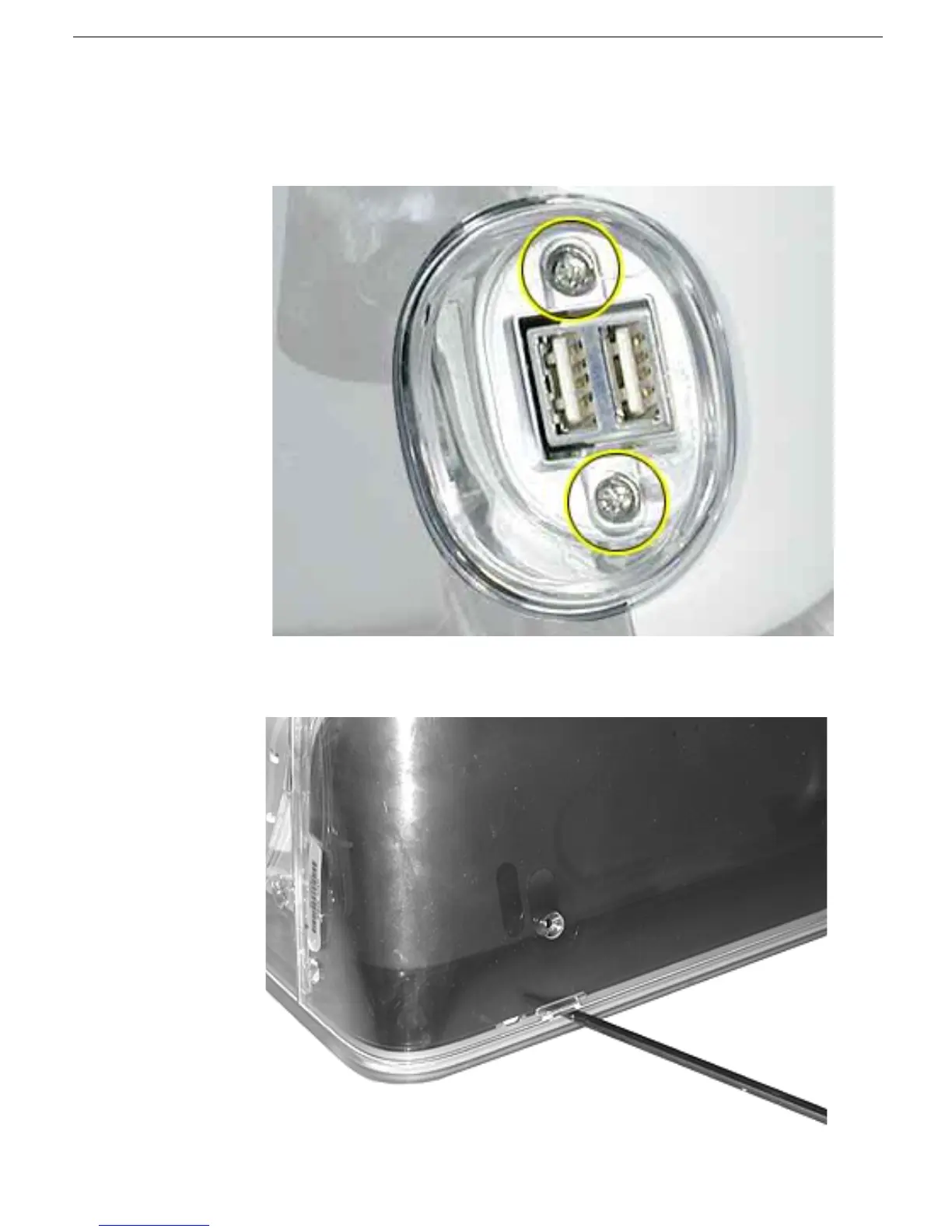
4. Remove two screws and the plastic USB hub (1) from the USB port.
5. To remove the rear housing, use a plastic flat-blade screwdriver to push in locking
tabs at six locations around the bottom of the rear housing.



 To Next Page