Studio Display (17" ADC) Take Apart -
21
Discharge the CRT and Remove Anode Cap
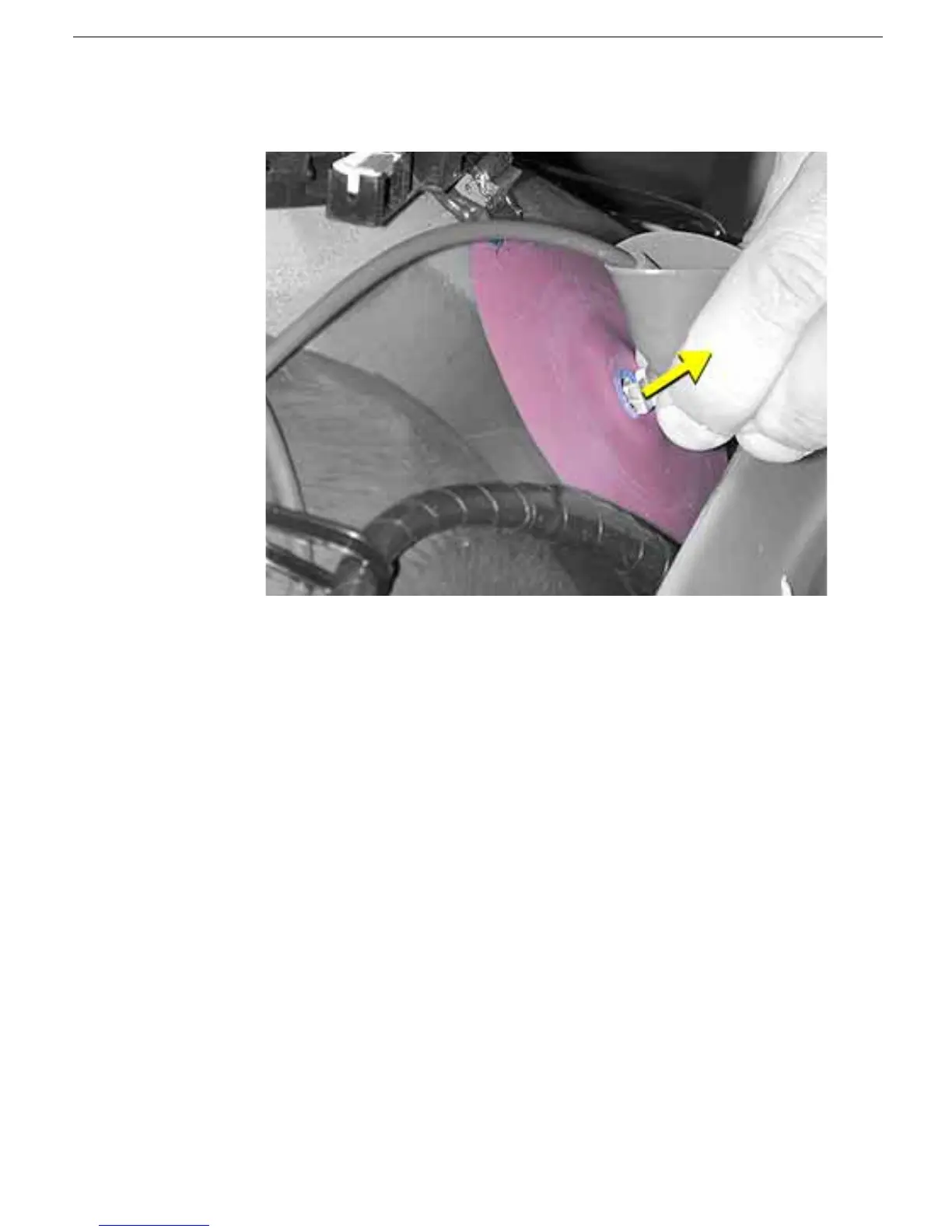
3. Fold up the anode cap, then squeeze together the metal clip to remove it from the
internal edge of the anode aperture.
4. For working inside the monitor with the power off, establish an ongoing ground by
using a cable with alligator clips at both ends. Connect one end to the anode aperture,
and connect the other end to the metal CRT frame.
5. With the CRT discharged and the ongoing ground in place, wear a grounding
wriststrap to prevent equipment damage from static electricity.



 To Next Page