Setting Up
15
Note:
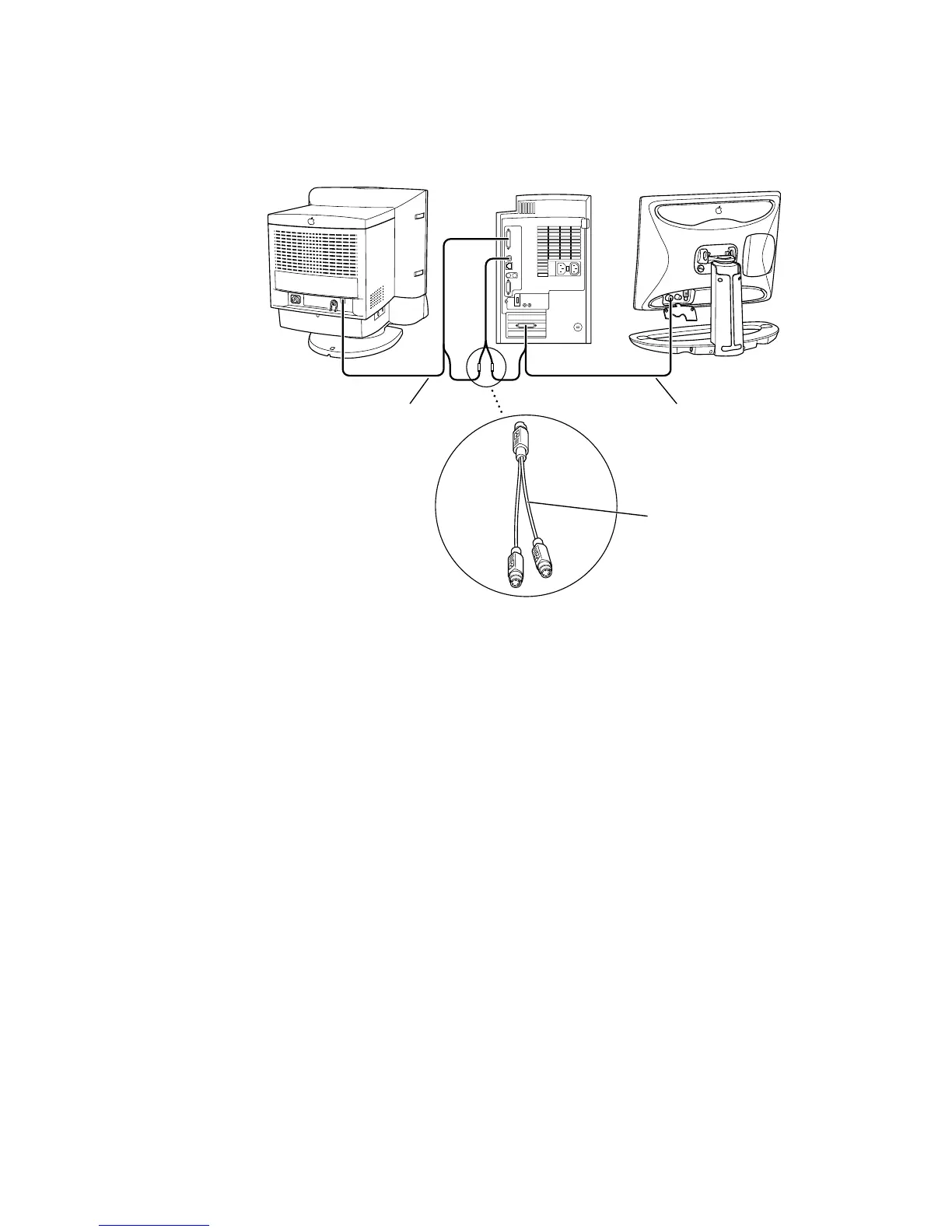
Some displays don’t require the use of an ADB connection. For these displays, you
only need to connect the display cable to a monitor port on your computer.
Shielded connector
cable (Apple part
number M5556LL/A)
Display cable
(includes monitor
connector and
ADB connector)
Display cable
(includes monitor
connector and
ADB connector)
Important
Make sure you use an Apple shielded connector cable. Most third-party ADB
splitter cables are not shielded and will not work properly with your display. You may
experience more radio interference with an unshielded connector cable.



 To Next Page