44 Chapter 4
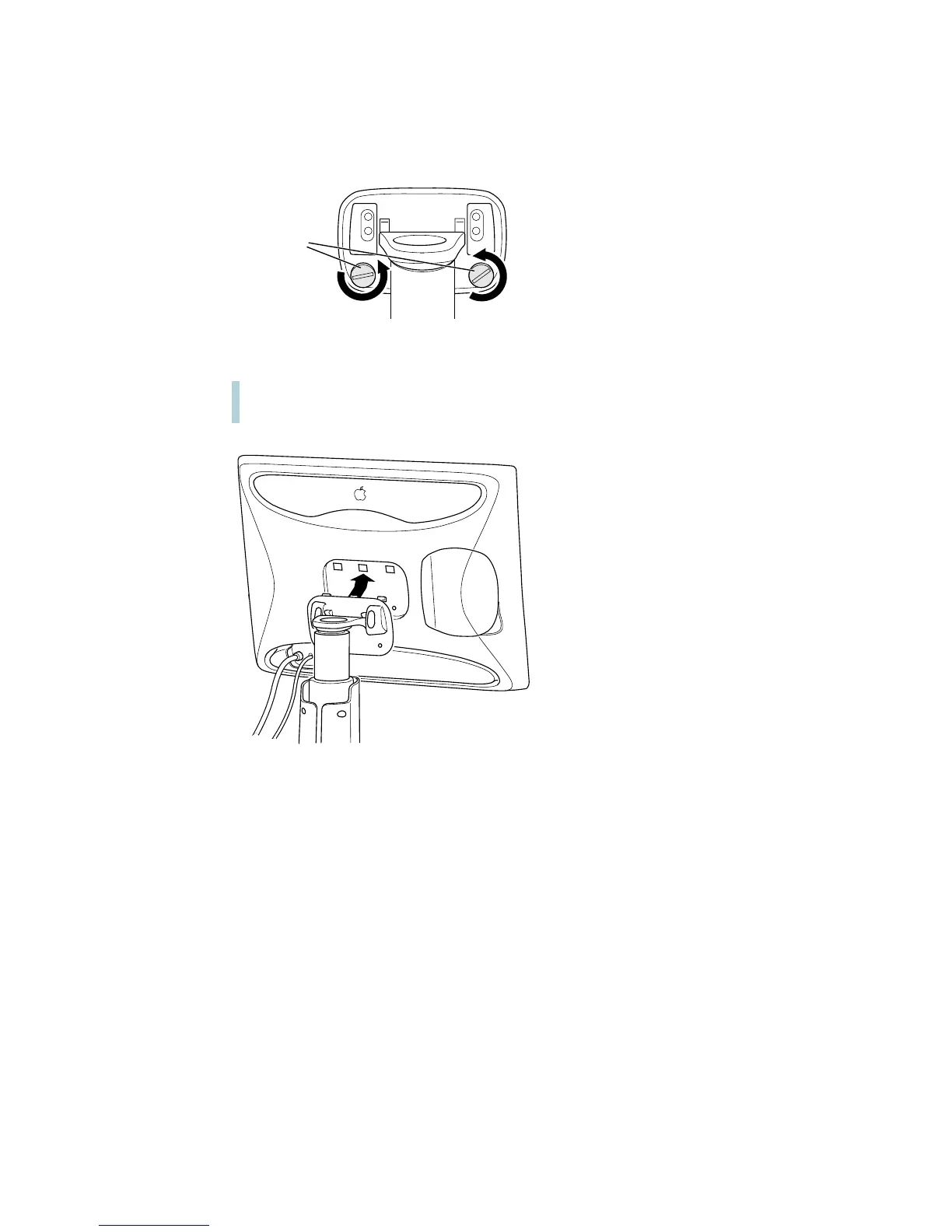
8 Use a coin or flathead screwdriver to unscrew the two plastic thumbscrews on the back cover
of the display.
9 Pull the display slightly up and away from the stand.
10 Place the display on a clean, flat surface.
Make sure the surface is clean and flat or you may damage the screen.
11 Store the stand in a safe place.
Plastic
thumbscrews
Warning The desktop stand will automatically rise to its highest position, if it’s not
already at its maximum height.



 To Next Page