Setting Up
9
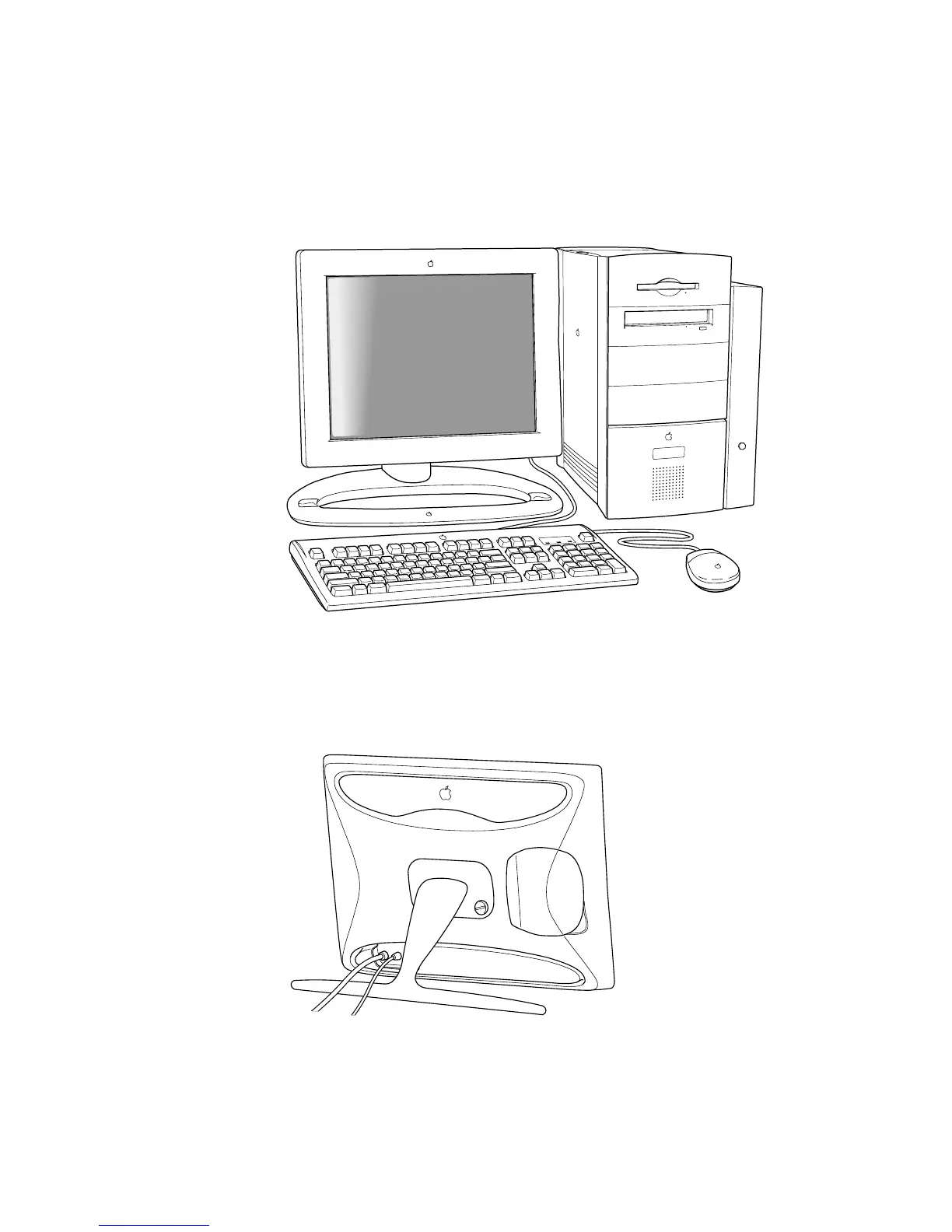
Using the Display
You can use your display in several ways.
m
You can connect your display to a Power Macintosh computer or a Windows-based
computer.
m
You can use the flip-out stand if you want the display to be more portable, such as when
you are giving presentations.
Note:
You won’t be able to adjust the tilt or height of the display. To use any of the
controls on the underside of the display, you’ll need to lift the display up slightly.



 To Next Page