Power Mac G4 Video Card -
4
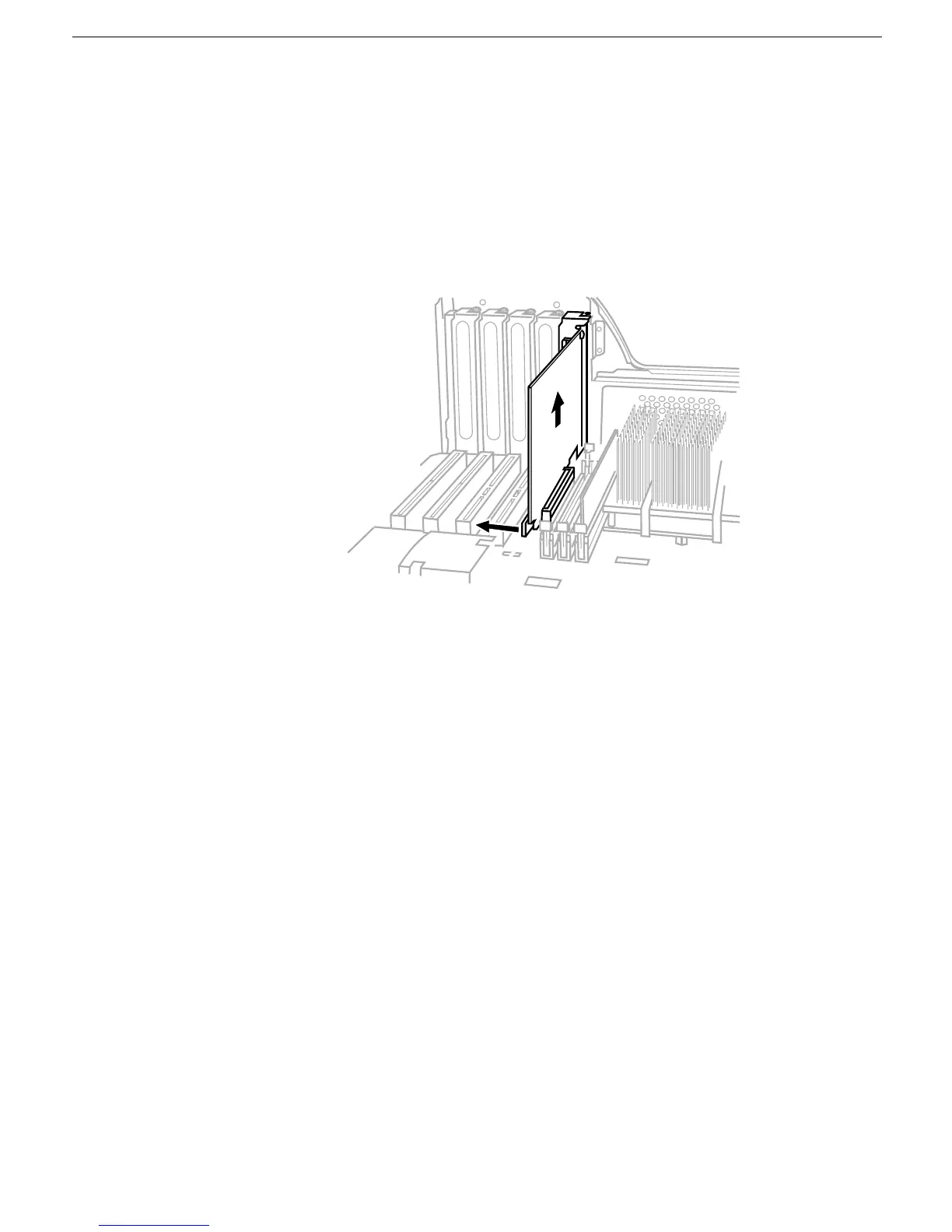
3. If you are removing an AGP video card, pull back the tab on the video card retaining
clip to release the card. Then gently pull the card up, and remove it from the AGP
expansion slot.
(Figure 3)
Warning: To avoid damaging the logic board or the AGP slot, do not rock the
card when removing it. Lift it straight up out of the connector.
Figure 3



 To Next Page