UserGuideforRTP‐3280EthernetInterface
AppostarTechnologyCo.,Ltd. Page4
UsevirtualCOMtool
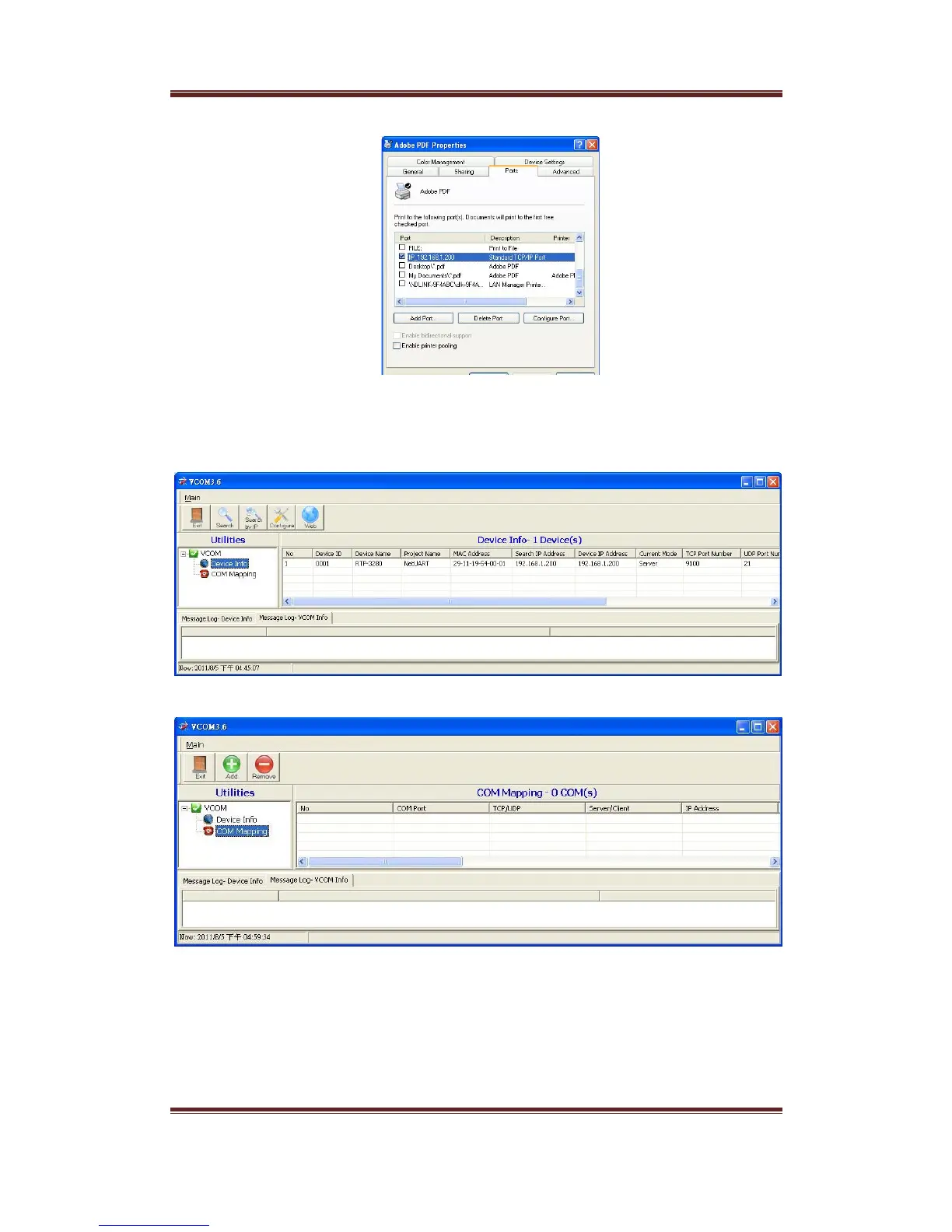
1. InstallVCOMapplicationthatcomeswiththecompanionDisc.ExecutetheVCOMapplicationafterinstalled.
2. PressSearchbottomtosearchprinteronthenetwork.YoucangetIPaddressoftheprinterfromhere.
3. ClickCOMMappingicontoswitchtoCOMMappingmode
4. PressAddbottomtoentervirtualCOMsettingscreen.SelecttheRTP‐3280inthedevicelistandmostof
fieldsarefillwithpropervaluesautomatically.YoucanselectadifferentCOMnumberonlycanyoumake
suretheCOMnumbernotoccupiedbyotherCOMport.PressOKbottomtocreateavirtualCOM.


 To Next Page