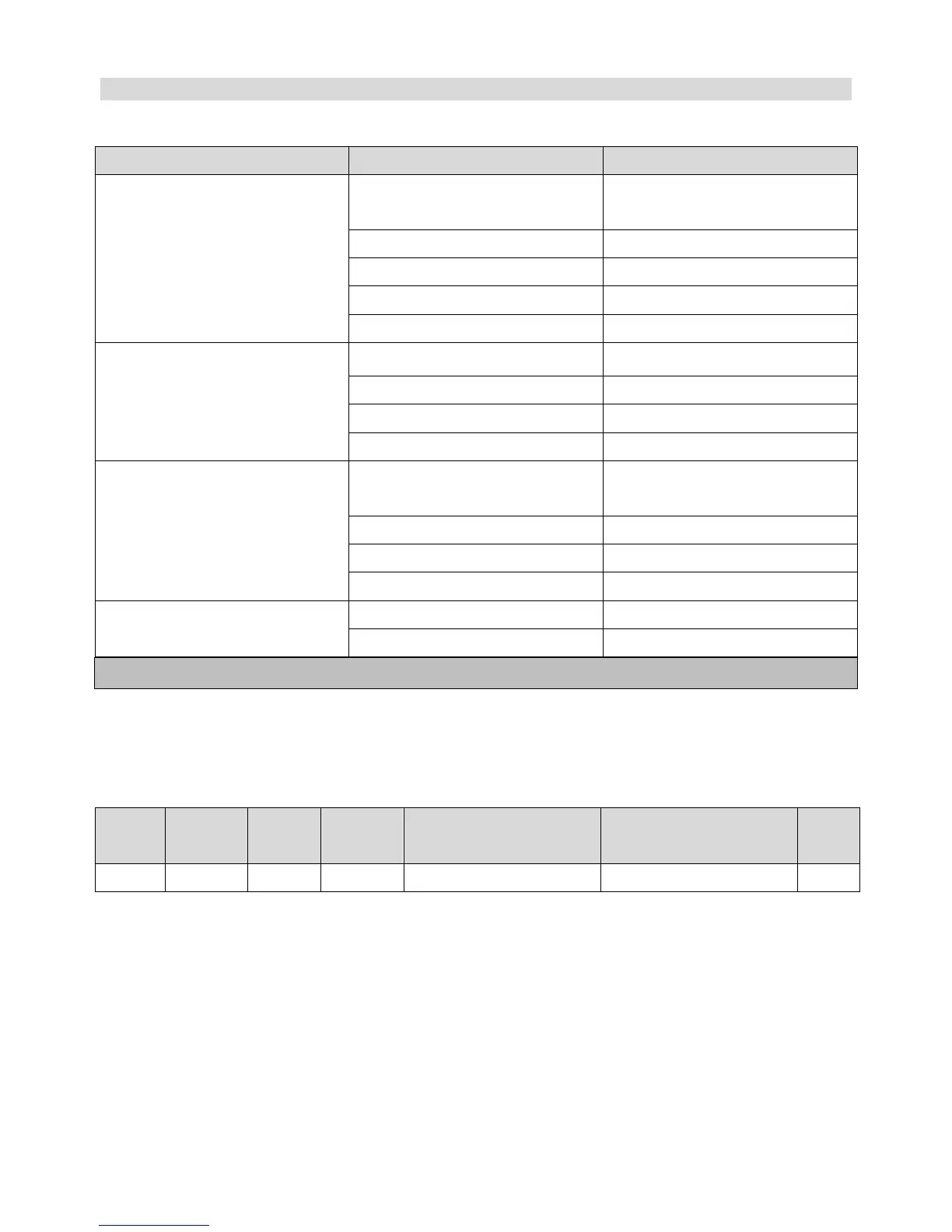
The Unit is not switched on
Check the unit is plugged in correctly and
switched on
Plug and lead are damaged
Call APURO agent or qualified technician
Fuse in the plug has blown
Call APURO agent or qualified technician
Appliance does not remove all the air from the
bag
Bag not correctly positioned
Open lid and reposition bag
Call Vacuum Pack machine supplier
Bags are not sealing correctly
Moisture in bag under the sealing bar
Ensure inside of the bag is dry and free from
moisture where it is to be sealed
Call Vacuum Pack machine supplier
End of bag not placed above sealing bar
Move end of bag over sealing bar
Sealing Bar requires replacement
Call APURO agent or qualified technician
Error message E in Digital Display
Switch off Power and leave for 20 minutes.
NOTE: Sealing bar replacement is not covered under warranty
Technical Specification
Vacuum Pressure (approx.)


 To Next Page