Operations
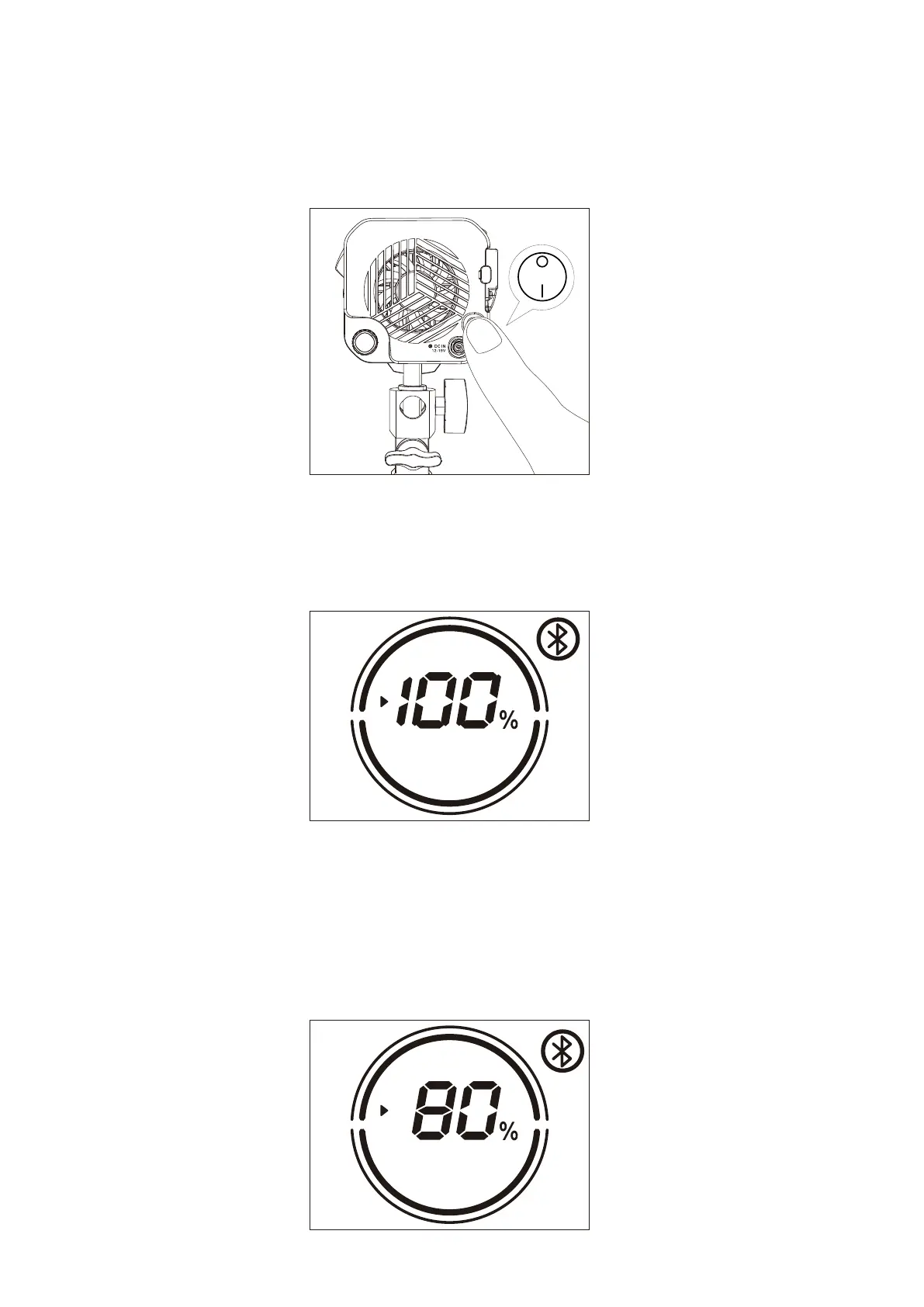
1.Power ON/OFF
2.1 Menu
2.1 INT / CCT
2.Manual Control
Press the power button to turn the light on and off.
Rotate the INT adjusting knob to adjust the brightness with 1% variable, and the brightness change
range is (0~100) %, and display the change of (0~100) % in real time on the LCD display. Click the INT
adjustment knob to quickly switch the brightness level: 20%→40%→60%→80%→100%→20%→40%
→60%→80%→100% cycle switch.
02 03 04 05 06 07 08 09 10 11 12


 To Next Page