10
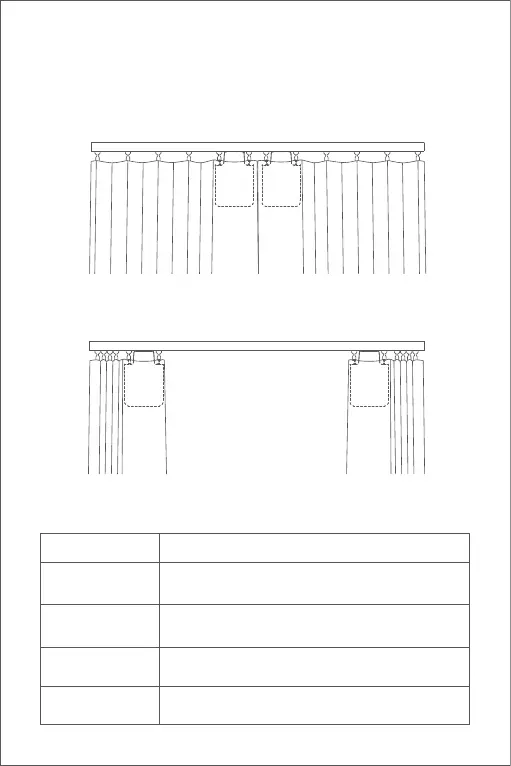
Double-Sided Curtains
Button Operation
A) Pull the curtains on le and right sides until they are completely closed,
and install the two Curtain Drivers at the position on the rail where the
curtains are completely closed according to the installation method for
the "single-sided curtains".
B) Set the opening distance for Curtain Drivers on le and right sides
according to Step B and C for that of "single-sided curtains".
Button Operation Description
Click once
Open, close or stop according to the current state
of the Curtain Driver
Click twice in
succession quickly
Hold, release or stop according to the holding
status of the current Curtain Driver
Set limit point of the range manually
Click three times in
succession quickly
Delete the current range set for the Curtain Driver
Click five times in
succession quickly


 To Next Page
 Loading...