01
* A Matter-compatible Thread Border Router is required for use.
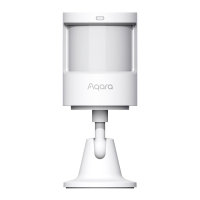
Motion and Light Sensor P2 detects human motion and
condition of ambient light. When detecting human
movement or changes in ambient light conditions, Motion
and Light Sensor P2 will send notice to the Aqara Home app
through or link to other devices based on Thread.
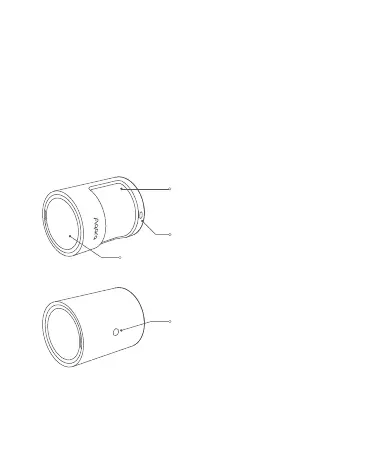
Product Introduction
Reset Button
Reset: Press and hold for 5 seconds until
light flashes quickly, then release within
3s.
Factory Reset: Press 10 times quickly
Lens (with red/blue dual-color indicator)
Light Sensor
Battery Cover


 To Next Page