Indicators
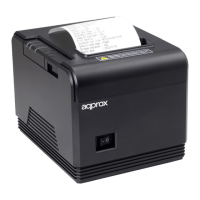
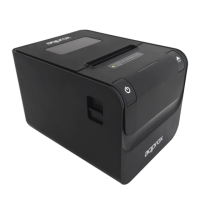
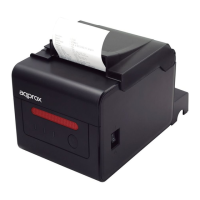
At the top there is a left panel with a series of LED indicators and
a button.
Power Indicator, when lit it indicates that it is connected to its
corresponding power.
Error indicator when lit it indicates some kind of error, the paper is
not loaded correctly, failure cutter, head, etc.
Indicator Paper when shines in blue and red it means there is no
paper
Forward button, press the button to feed the paper manually.
Make test
With the printer o, press the forward button and turn the printer,
hold down the forward button for 2 seconds, then release the
button. The test will be printed.


 To Next Page